SnapIT
面向 Shopify

唯一面向 Shopify 的虚拟试穿应用 您所需要的。

大幅节省退货。小巧设置。充满乐趣。

每位顾客都成为模特。一张照片、他们自己的身材、您的整个目录——不到 10 秒。

🚀 Live in 5 minutesNo card required
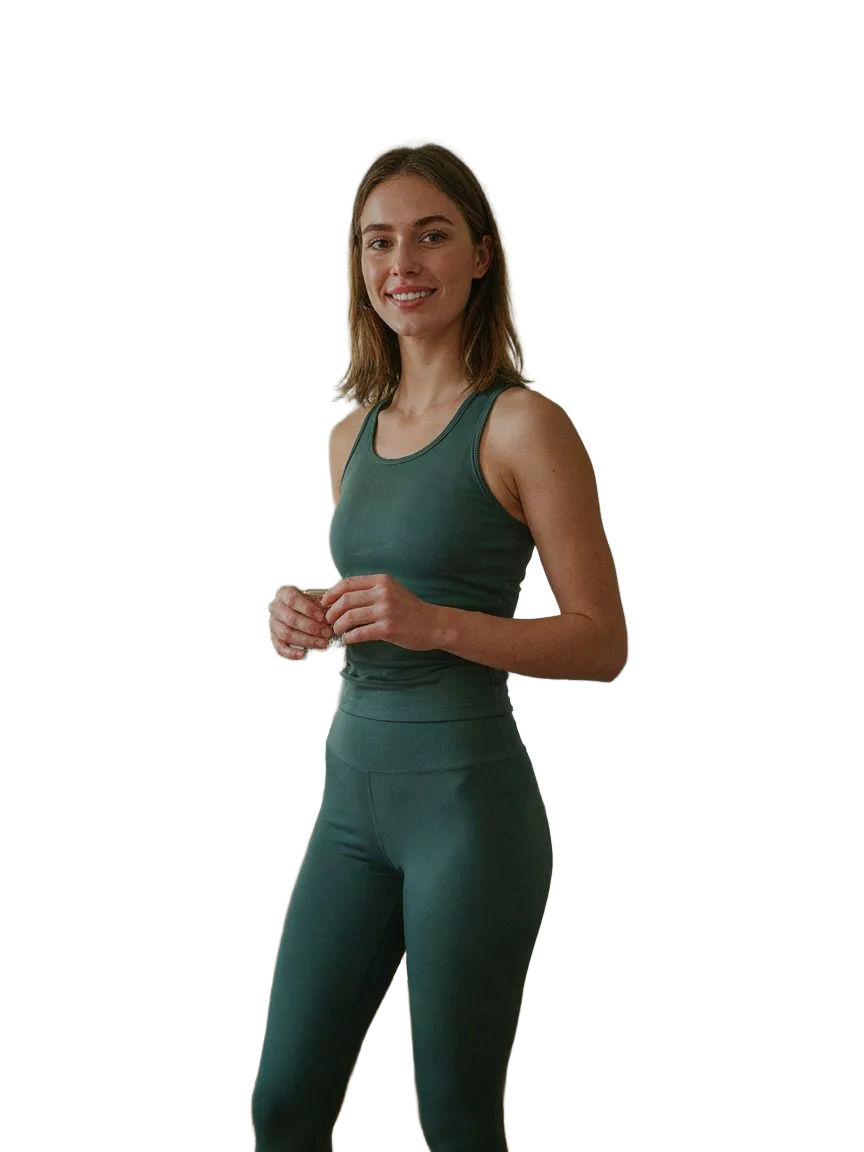
The shopper's photo01
The shopper's photoOne selfie, uploaded once. Their own face and body.
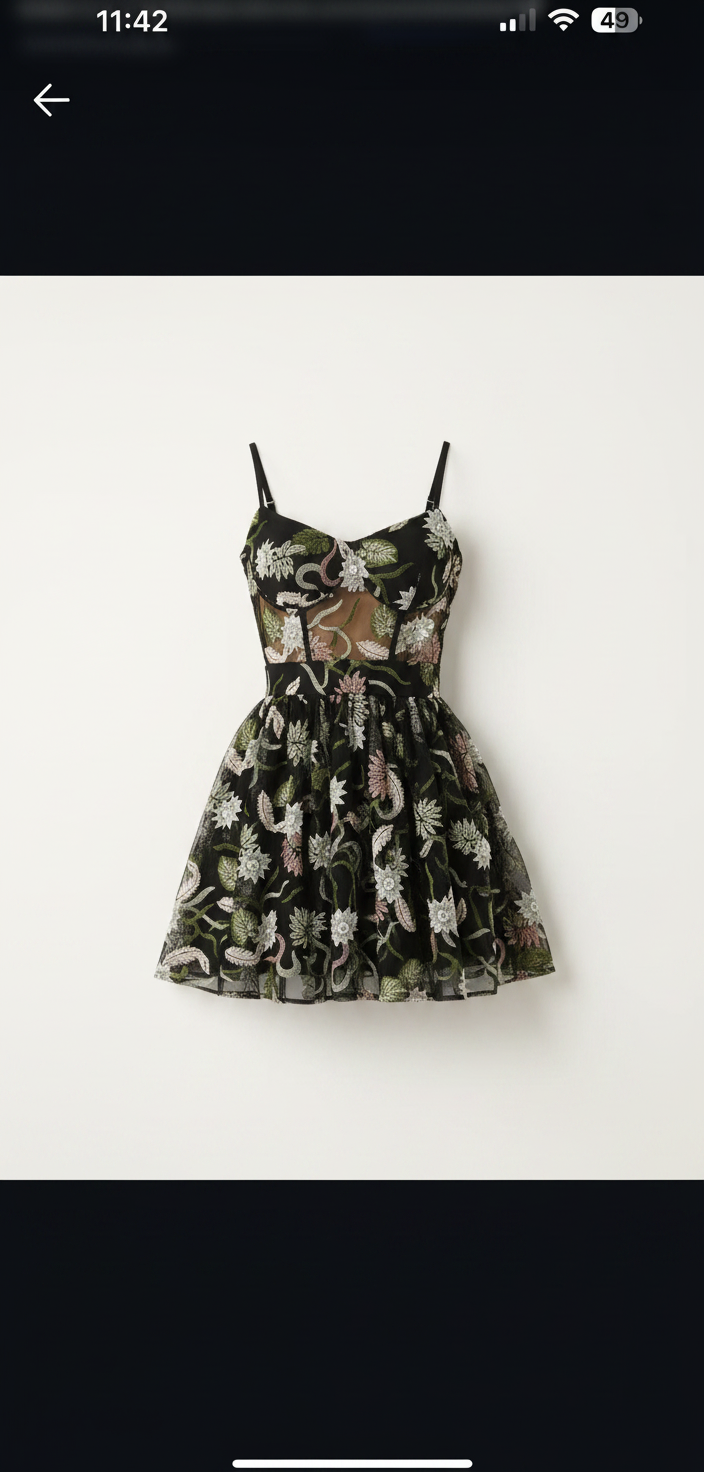
The product photo you have02
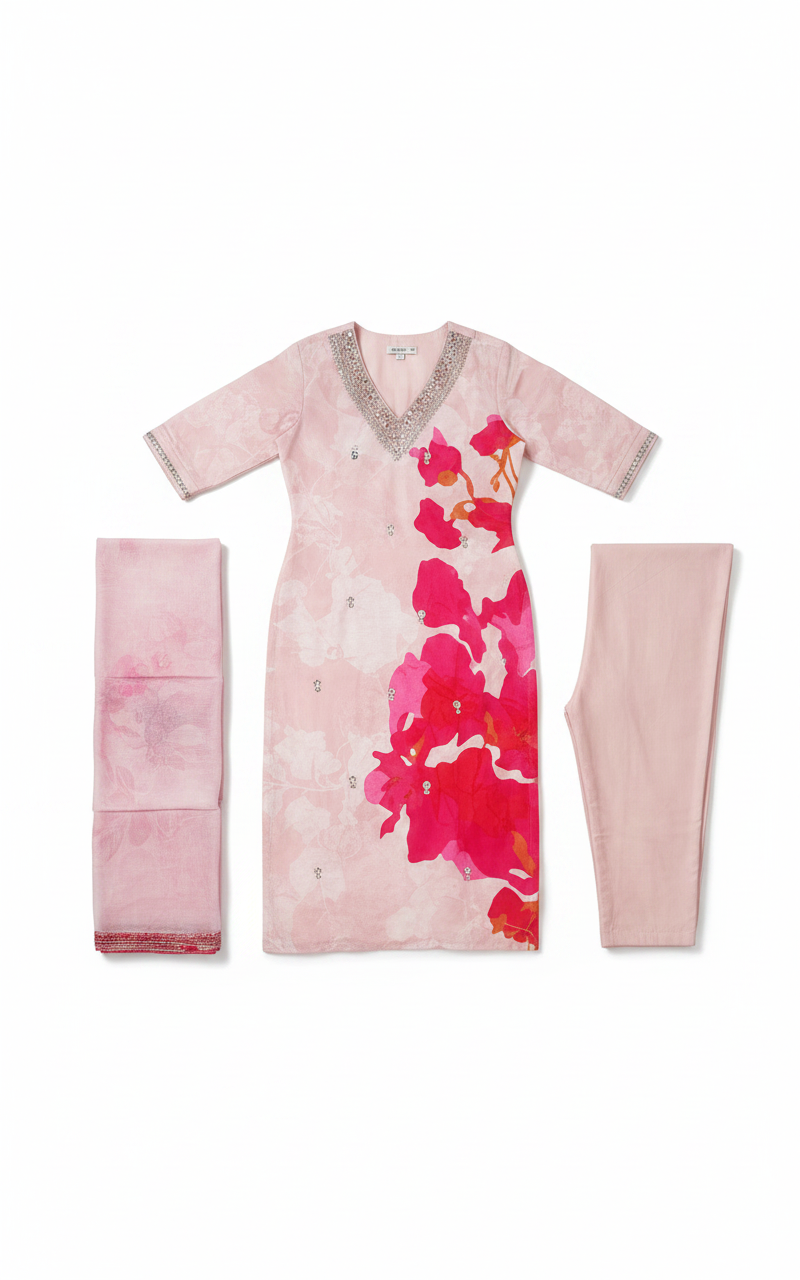
The product photo you haveYour existing catalog images. No reshoots needed.
The try-on, generated03
8.6s
The try-on, generatedA realistic preview on their body, in seconds.
01 · 所在之处

每个商品页面上的试衣间。

一次安装,无需主题代码。顾客轻触加入购物车下的“See it on you”,在自己的身体上查看服装。
https://indie-fashion-store-cl4lfhx8.myshopify.com//products/floral-print-midi-dress

MAISON RUE

Floral Print Midi Dress

€49.00

★★★★★4.9 (214)
Add to bag
See it on you
SnapIT 添加了这部分。其余是您的主题。

任何主题,任何语言

匹配您的店面并开箱即用您的商店语言。

默认私有

顾客照片在 7 天后自动删除,且从不用于训练。

您的品牌,不是我们的

贴牌:试衣间展示您的徽标,而非 SnapIT 的。

02 · 覆盖范围

您目录中的每个类别。

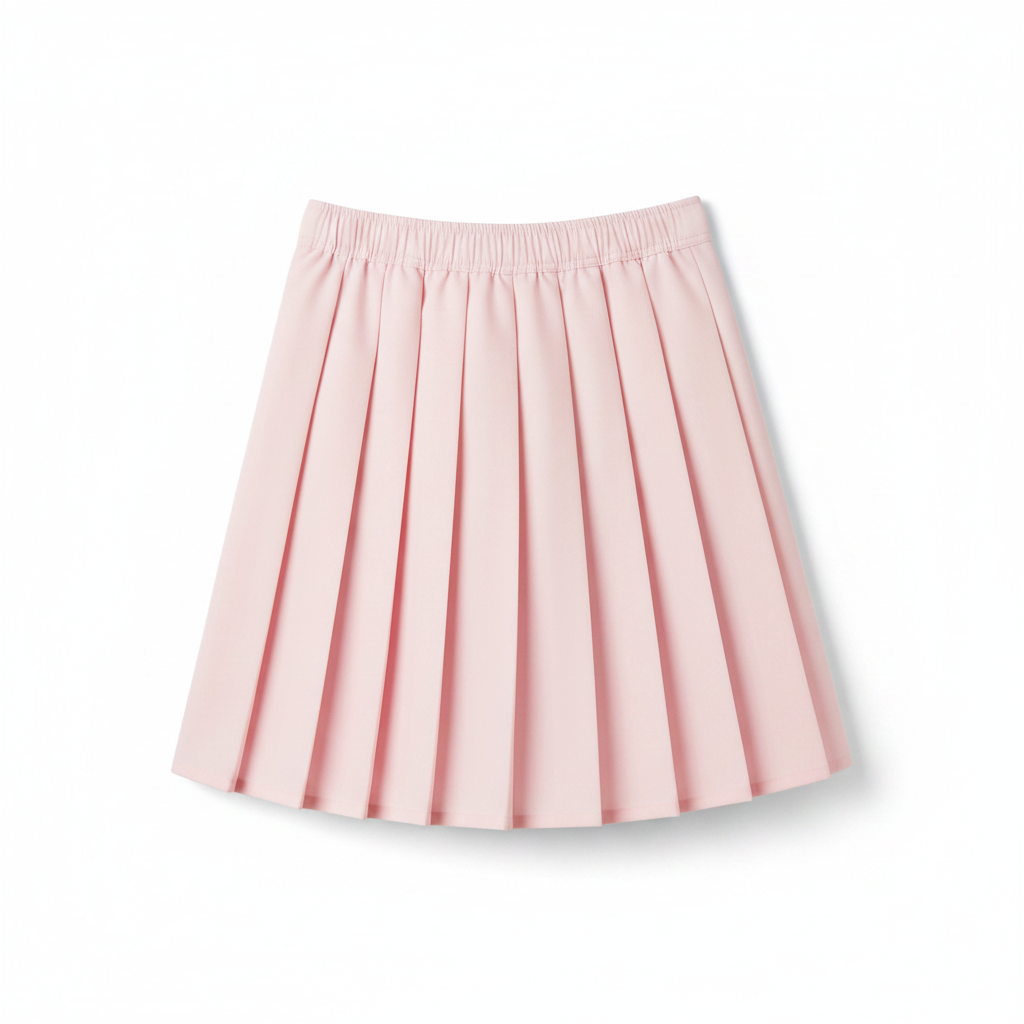
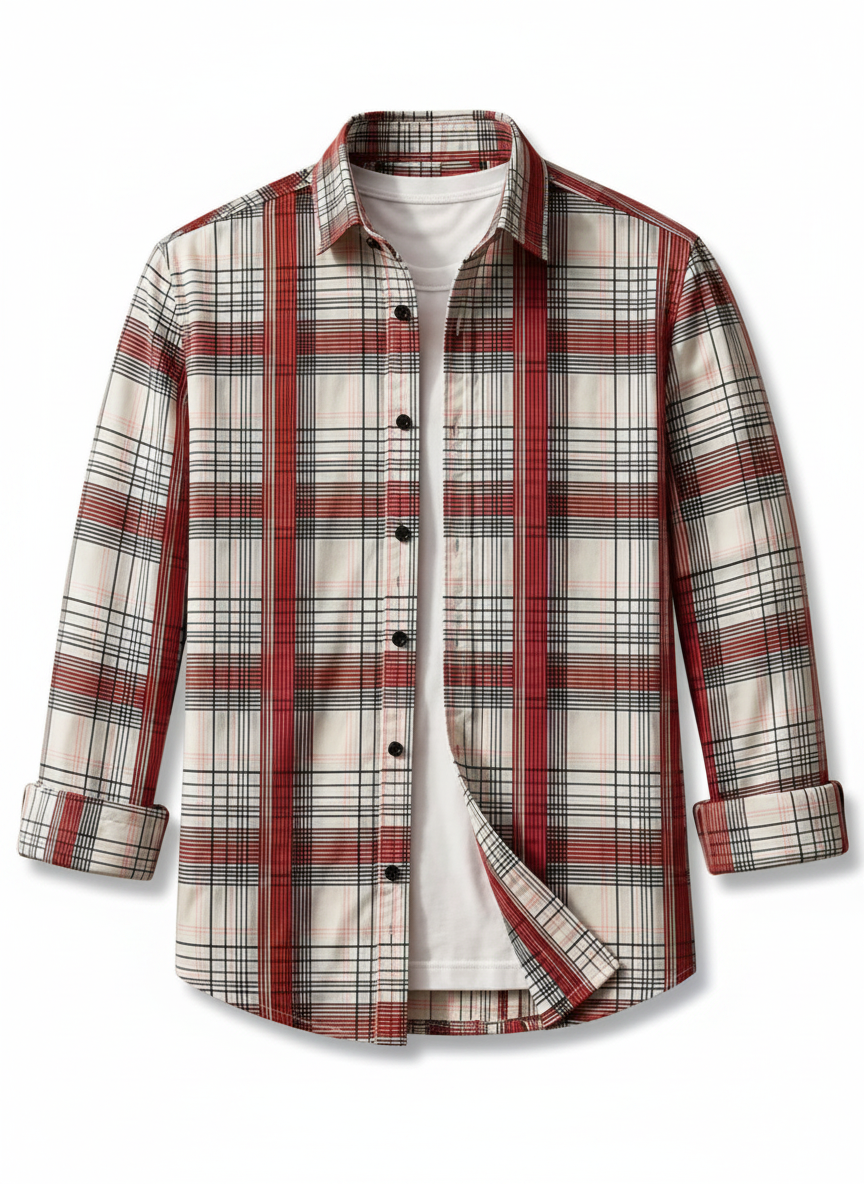
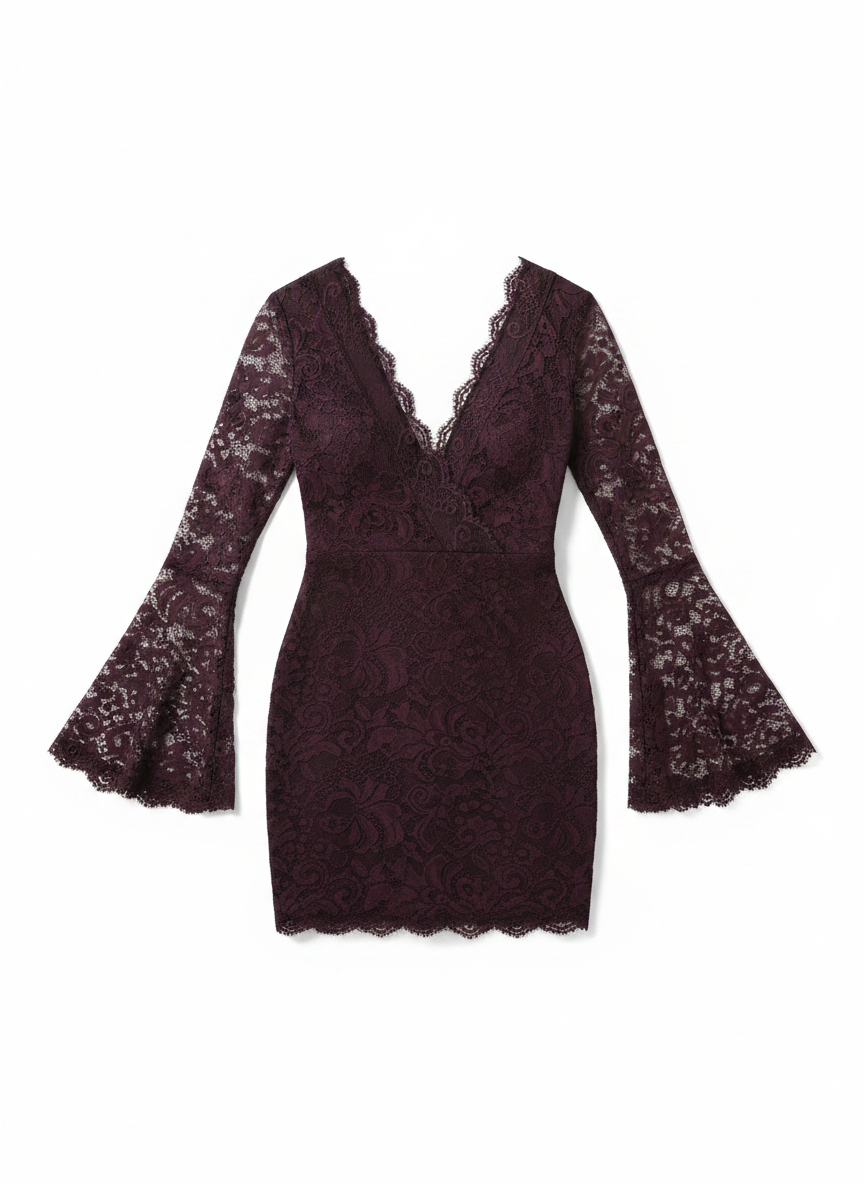
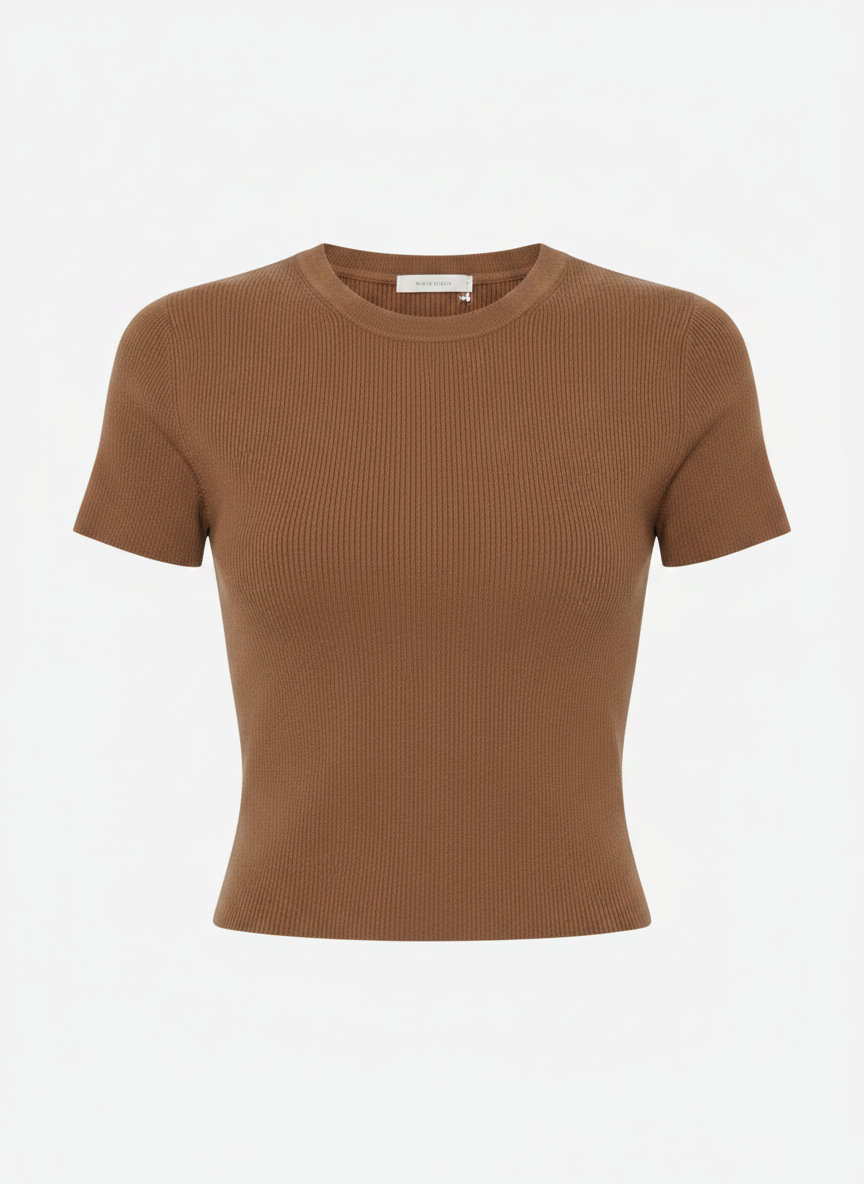
连衣裙、外套、剪裁、针织、牛仔。同一张脸、同一个身材、同一个姿势。只有服装在变化。

查看所有类别 →

Conversion: shoppers who tried on vs. not

yourstore.com

Tried on with SnapIT

6.4%

Didn't try on

2.1%

Revenue attributed to try-ons this month

$12,480

03 · 为转化而生

试穿将犹豫转化为订单。

Every try-on is tracked from widget open to order. See the conversion lift, spot the garments shoppers love, and review captured emails in Shopify and your analytics dashboard.

+32%

conversion after try-on

−24%

fewer returns

04 · The shopper experience

Shoppers see themselves in everything you sell.

Shoppers flick through looks on their own photo, outfit after outfit, without re-uploading anything.

  • Higher conversion from accurate, high-quality visualization
  • Fewer returns, because expectations were set on their body
  • Under 10 seconds per look, on any device

Sequin cocktail
Her photo
Her photo
Sequin cocktail

The looks change. Her photo doesn't.

06 · 价格

价格简单明了。按虚拟试穿次数付费。

无需信用卡即可开始免费试用。顾客开始试穿后再升级。

FREE

$0/mo

安装时含 2 个积分 · 2 次试穿

随应用安装提供

  • 2 credits on install
  • 可自定义的虚拟试穿组件
  • Shopify 应用商店支持
Start Free Trial

STARTER

$10/mo

112 个积分 · 112 次试穿

$0.09/次 · 目录价优惠 10%

  • 112 monthly try-ons included
  • 分析仪表板
  • 标准支持
开始使用

GROWTH

最受欢迎
$39/mo

488 个积分 · 488 次试穿

$0.08/次 · 目录价优惠 20%

  • 488 monthly try-ons included
  • 高级分析
  • 标准支持
开始使用

PRO

$99/mo

1,415 个积分 · 1,415 次试穿

$0.07/次 · 目录价优惠 30%

  • 1,415 monthly try-ons included
  • 高级分析
  • 移除 SnapIT 品牌标识
  • VIP 支持
升级 Pro

SCALE

$499/mo

8,317 个积分 · 8,317 次试穿

$0.06/次 · 目录价优惠 40%

  • 8,317 monthly try-ons included
  • 高级分析
  • 移除 SnapIT 品牌标识
  • 优先引导服务
  • 专属支持
升级 Scale
常见问题

Questions, answered.

Everything you need to know about getting started with SnapIT.

How does SnapIT work?
SnapIT uses advanced AI to generate realistic virtual try-on images. Customers upload one photo of themselves, and the AI creates a new image showing how the garment would look on their body — in just a few seconds.
Is there a free plan?
Yes. The Free plan includes 10 try-ons per month — no card required, and it stays free. When you need more volume, upgrade to Starter, Growth or Pro and only pay for additional try-ons beyond your monthly allocation.
How long does it take to set up?
Installation takes just a few minutes. Install SnapIT from the Shopify App Store, choose which products or collections to enable, and the 'See it on you' button automatically appears on your product pages. No coding or theme modifications required.
What types of clothing work best?
SnapIT supports all types of clothing but works best with upper-body garments (tops, shirts, jackets) and dresses. We recommend clear product images on a plain background for the best results.
Is customer data secure and private?
Absolutely. Customer photos are encrypted in transit and at rest, used exclusively to generate the try-on, and automatically deleted after 7 days. We never use customer photos to train AI models or for any other purpose.
Can I customize the widget appearance?
The widget matches your store's theme automatically. Pro users can remove SnapIT branding for a fully white-label experience. Contact support if you need additional customization.
Can customers take a photo directly instead of uploading one?
Yes. Customers can either upload an existing photo or use the 'Take a photo' option to capture a new image directly from their device camera.
What if I need help or have questions?
We provide direct support to all merchants. Reach out at contactus@snapmydesign.com or through the in-app chat — we're happy to help with onboarding.

Still have questions?

See it on your own products.

Free plan included. Live on your product pages in five minutes — and watch the returns shrink.