
Shopify向けバーチャル試着アプリなら これだけで十分です。
大幅な返品削減。最小限の導入。すべてが楽しく。
すべての買い物客がモデルに。写真1枚、自分の体、あなたの全カタログ — 10秒以内に。

 01
01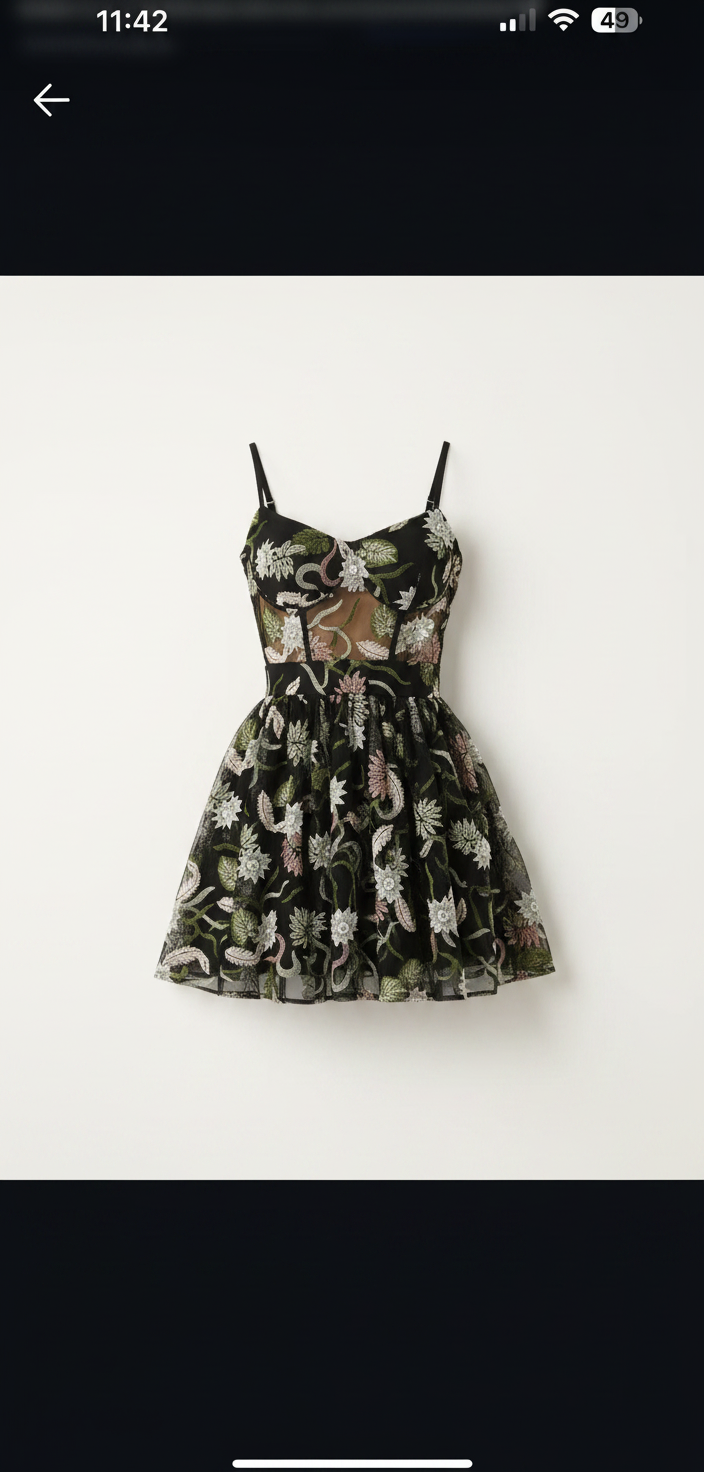 02
02 03
03すべての商品ページに試着室を。
インストール1回、テーマコード不要。買い物客はカートに追加の下の「See it on you」をタップして、自分の体で服を確認。

MAISON RUE
Floral Print Midi Dress
€49.00
★★★★★4.9 (214)どのテーマ、どの言語でも
ストアフロントに一致し、すぐにストアの言語を話せます。
デフォルトでプライベート
買い物客の写真は7日後に自動削除され、学習には一切使われません。
あなたのブランド、我々のものではありません
ホワイトラベル:試着ルームはSnapITではなくあなたのロゴを掲示。
カタログのすべてのカテゴリー。
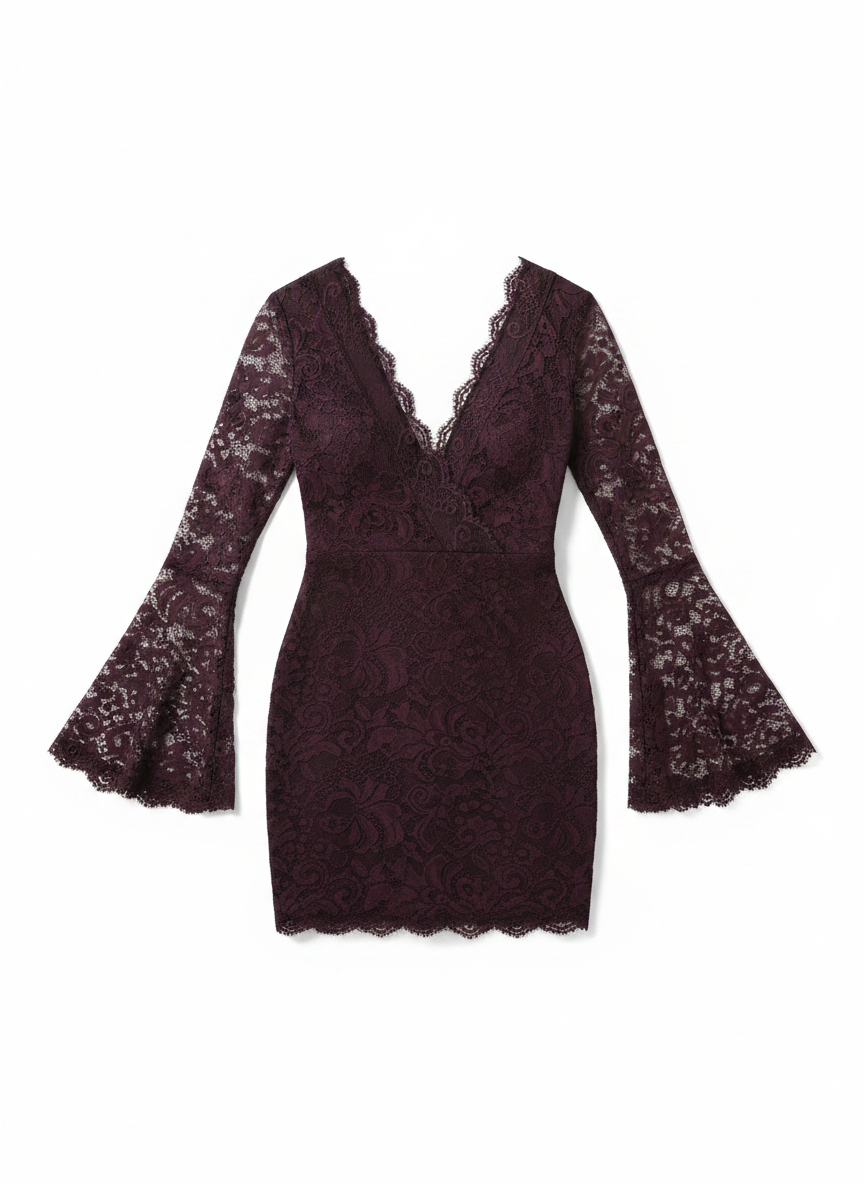
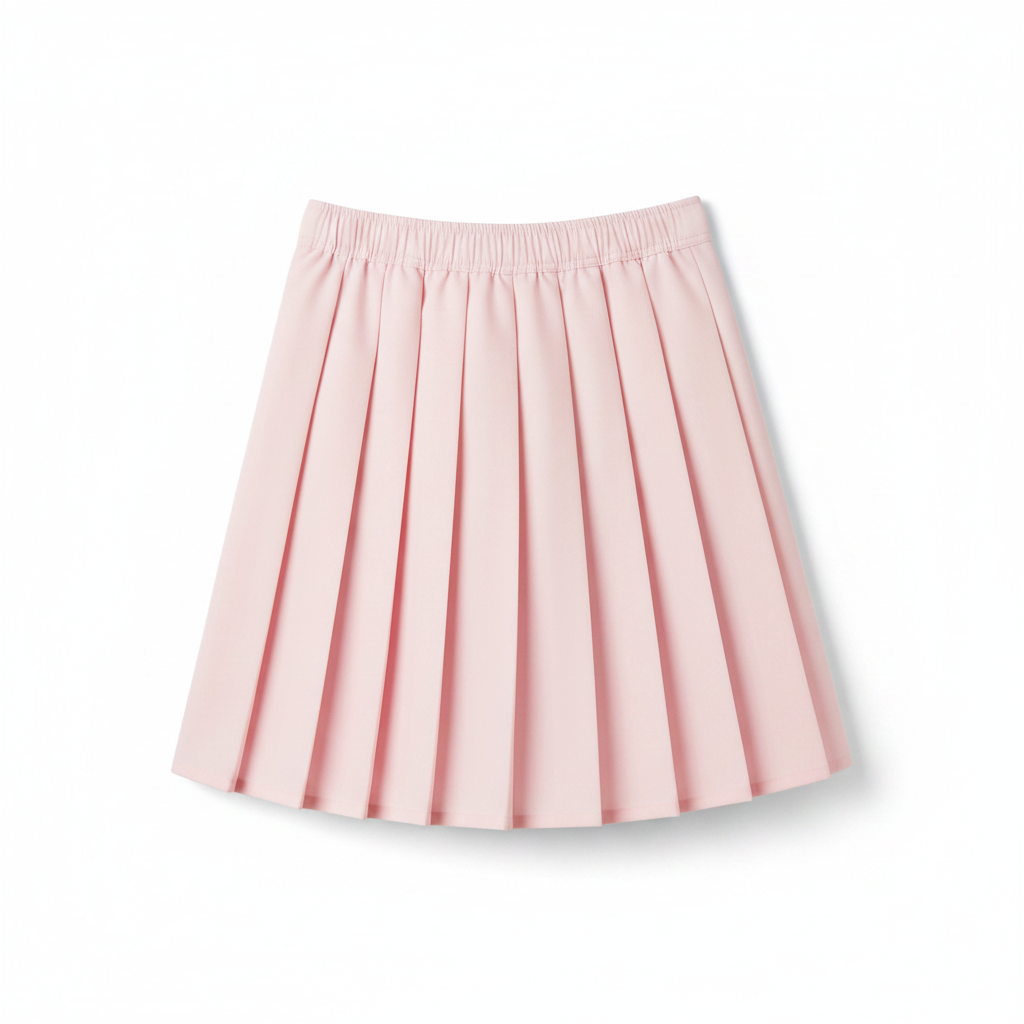
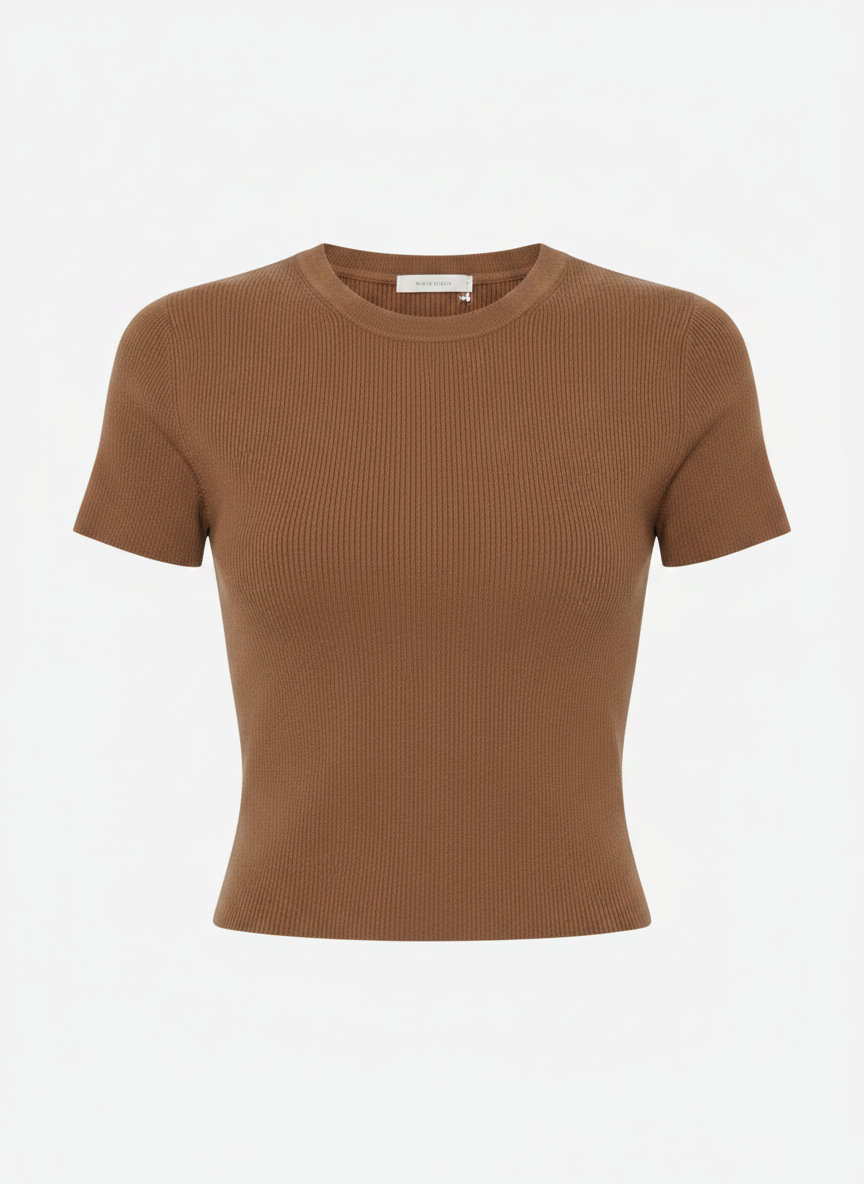
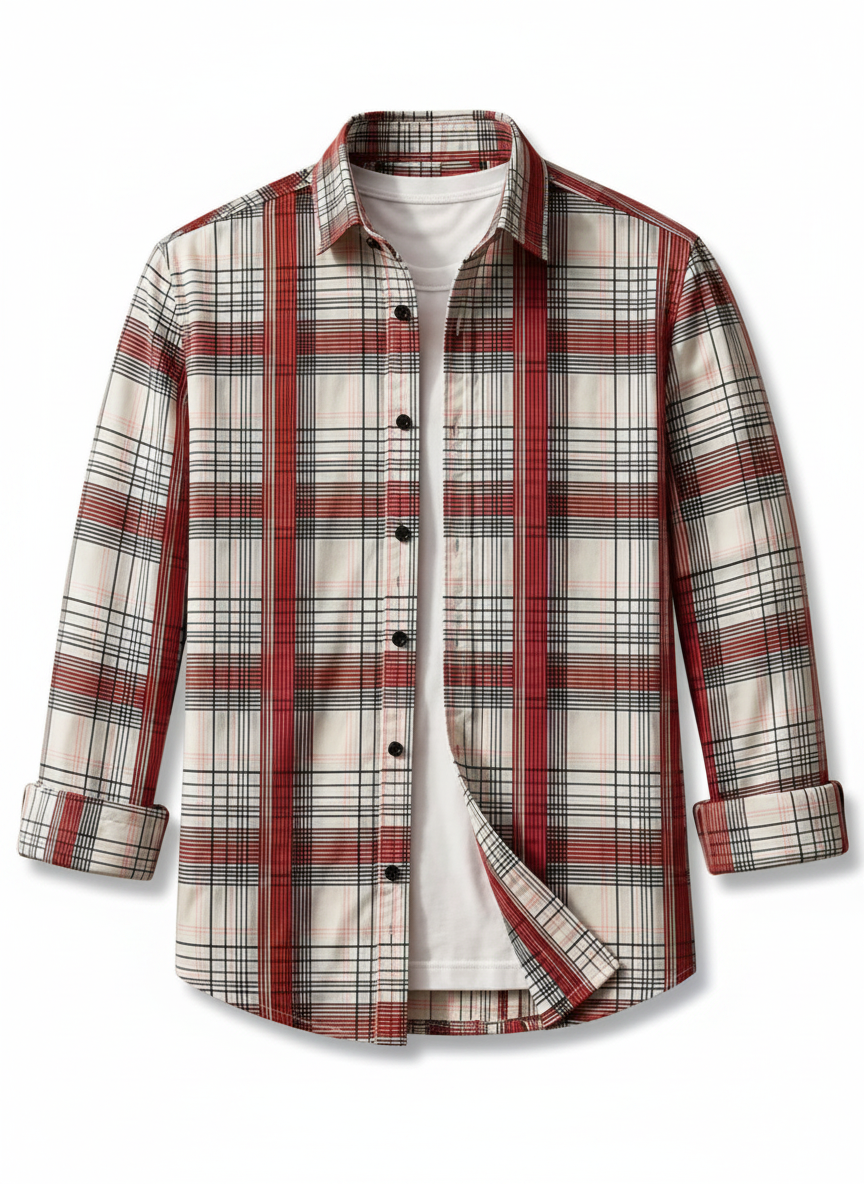
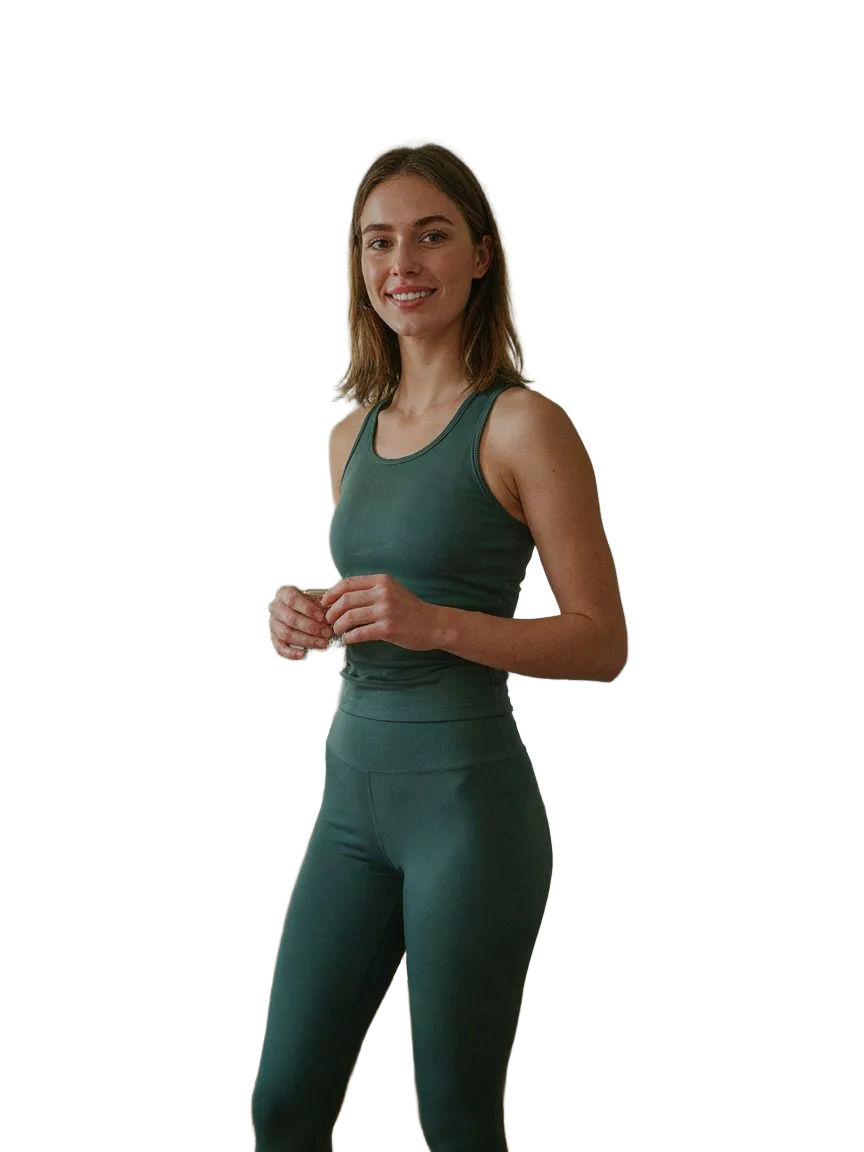
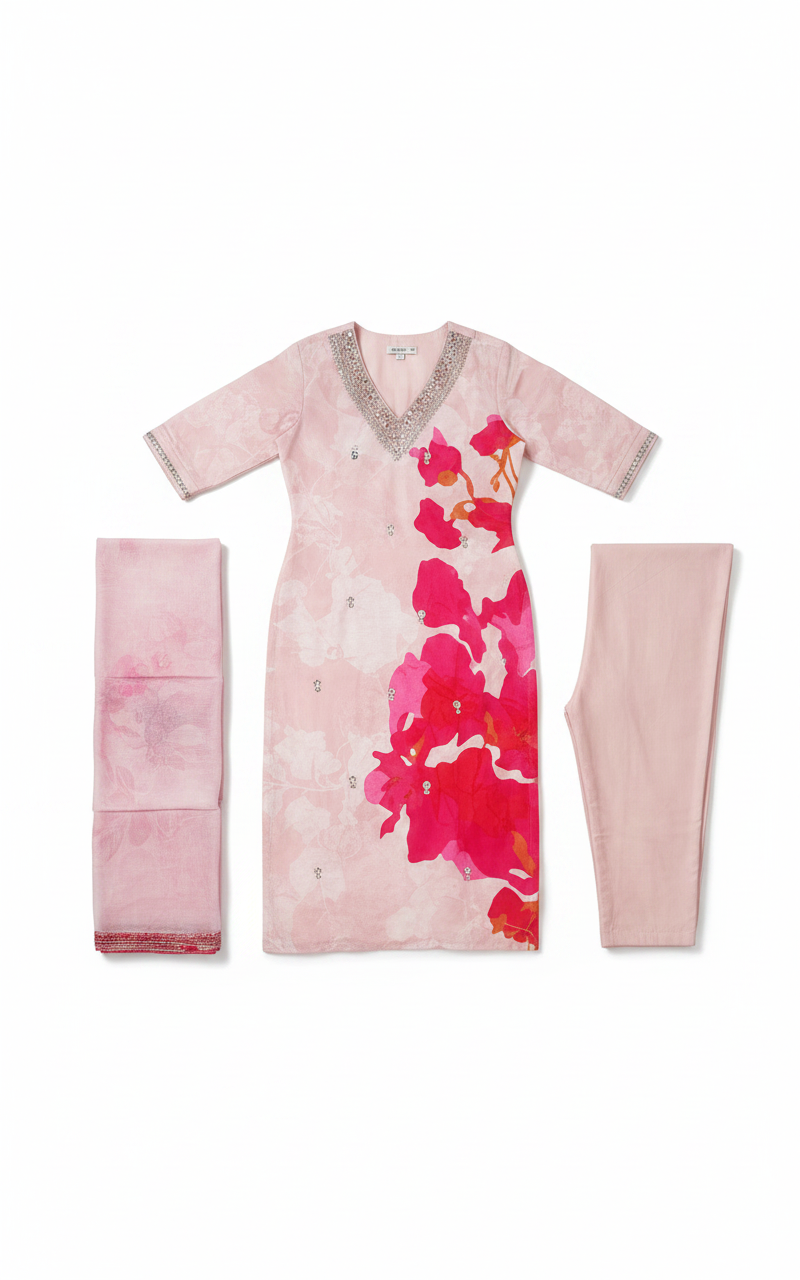
ドレス、アウター、テーラリング、ニット、デニム。同じ顔、同じ体、同じポーズ。変わるのは服だけ。
すべてのカテゴリーを見る →





Conversion: shoppers who tried on vs. not
yourstore.com
Tried on with SnapIT
6.4%
Didn't try on
2.1%
Revenue attributed to try-ons this month
$12,480
試着が迷いを注文に変えます。
Every try-on is tracked from widget open to order. See the conversion lift, spot the garments shoppers love, and review captured emails in Shopify and your analytics dashboard.
+32%
conversion after try-on
−24%
fewer returns
Shoppers see themselves in everything you sell.
Shoppers flick through looks on their own photo, outfit after outfit, without re-uploading anything.
- Higher conversion from accurate, high-quality visualization
- Fewer returns, because expectations were set on their body
- Under 10 seconds per look, on any device

The looks change. Her photo doesn't.
シンプルな料金。バーチャル試着ごとにお支払い。
カード不要で無料トライアルを開始。お客様が試着し始めたらアップグレードできます。
FREE
インストール時に2クレジット · 2回の試着
アプリのインストールに含まれます
- –2 credits on install
- –カスタマイズ可能なバーチャル試着ウィジェット
- –Shopify App Storeサポート
STARTER
112クレジット · 112回の試着
$0.09/回 · 通常価格から10%オフ
- –112 monthly try-ons included
- –分析ダッシュボード
- –標準サポート
GROWTH
最も人気488クレジット · 488回の試着
$0.08/回 · 通常価格から20%オフ
- –488 monthly try-ons included
- –高度な分析
- –標準サポート
PRO
1,415クレジット · 1,415回の試着
$0.07/回 · 通常価格から30%オフ
- –1,415 monthly try-ons included
- –高度な分析
- –SnapITのブランド表示を削除
- –VIPサポート
SCALE
8,317クレジット · 8,317回の試着
$0.06/回 · 通常価格から40%オフ
- –8,317 monthly try-ons included
- –高度な分析
- –SnapITのブランド表示を削除
- –優先オンボーディング
- –専任サポート
Questions, answered.
Everything you need to know about getting started with SnapIT.
How does SnapIT work?↓
Is there a free plan?↓
How long does it take to set up?↓
What types of clothing work best?↓
Is customer data secure and private?↓
Can I customize the widget appearance?↓
Can customers take a photo directly instead of uploading one?↓
What if I need help or have questions?↓
Still have questions?
See it on your own products.
Free plan included. Live on your product pages in five minutes — and watch the returns shrink.