SnapIT
Shopify용

Shopify용 가상 피팅 앱은 이거 하나로 충분합니다.

큰 반품 절감. 간단한 설정. 재미있는 경험.

모든 쇼핑객이 모델이 됩니다. 사진 한 장, 자신의 몸, 전체 카탈로그 — 10초 이내.

🚀 Live in 5 minutesNo card required
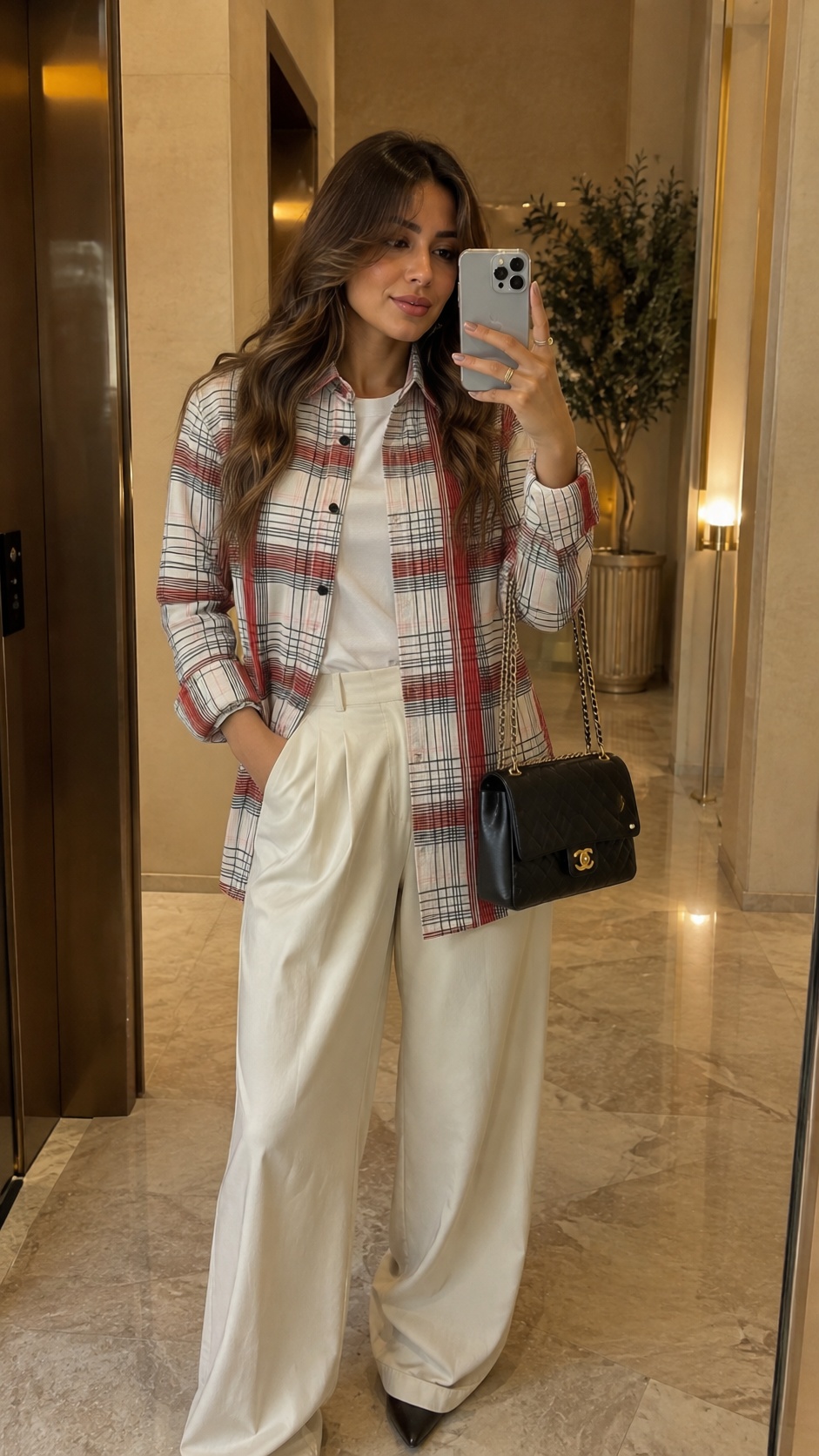
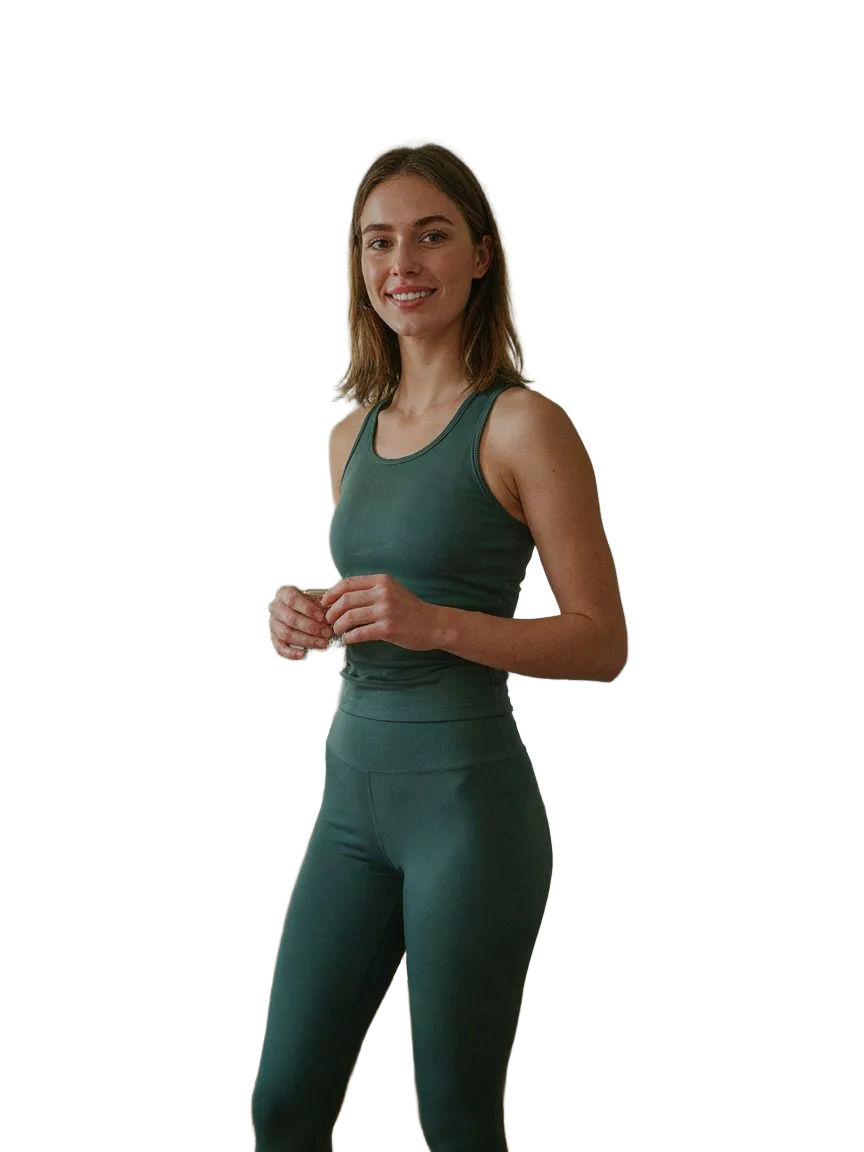
The shopper's photo01
The shopper's photoOne selfie, uploaded once. Their own face and body.
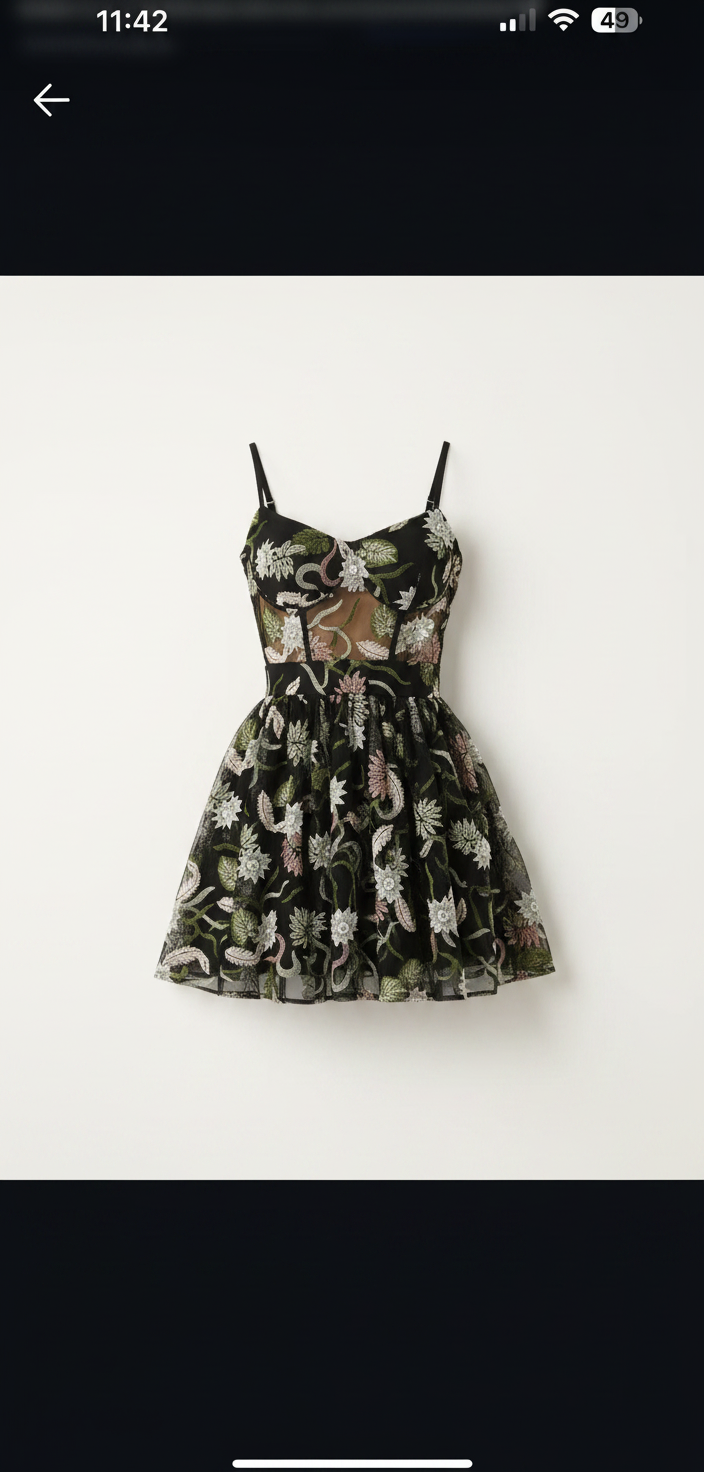
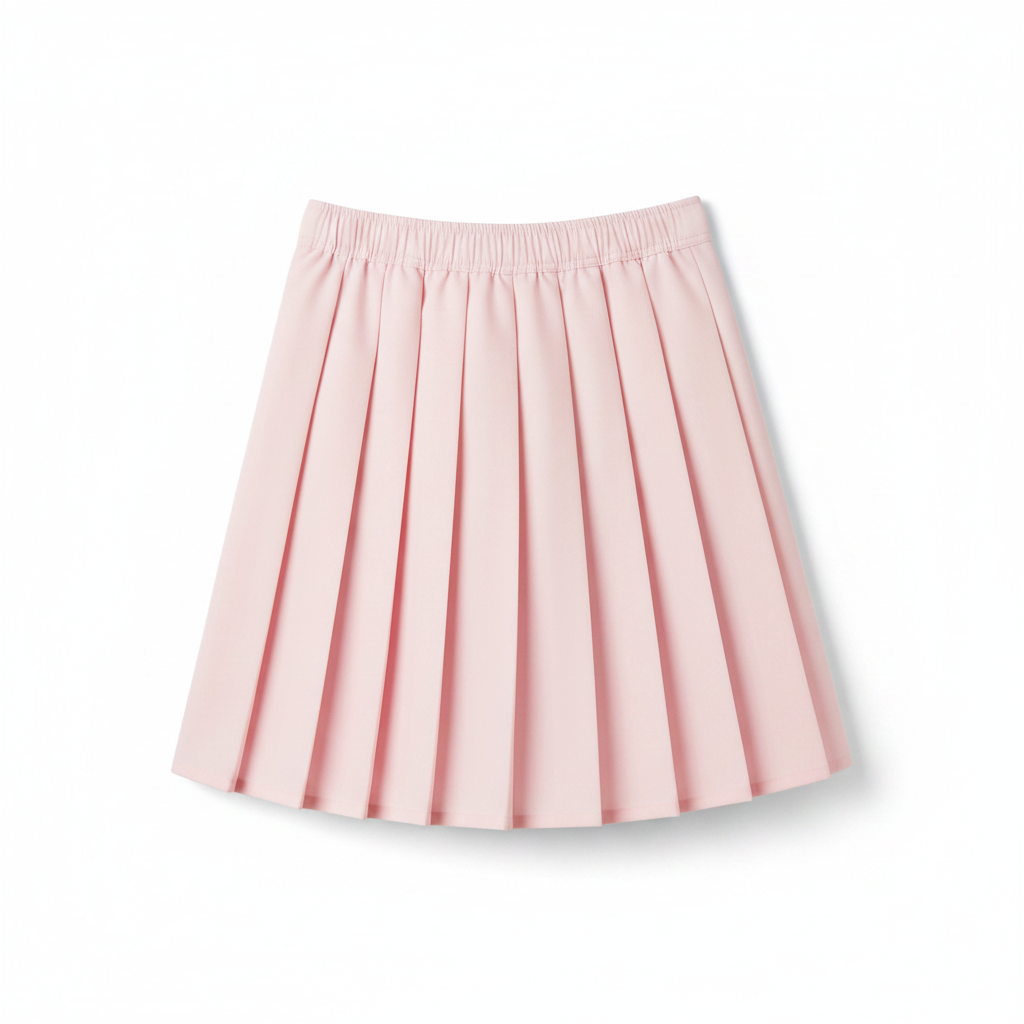
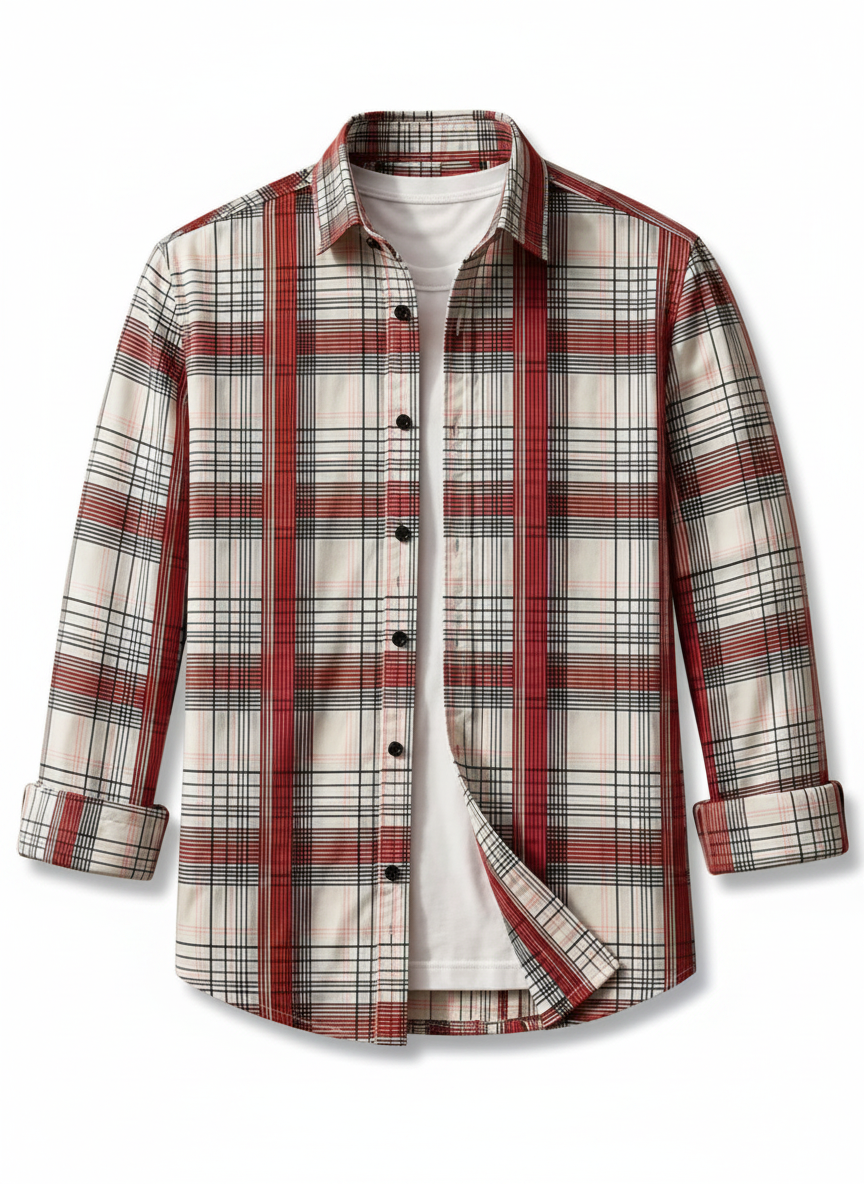
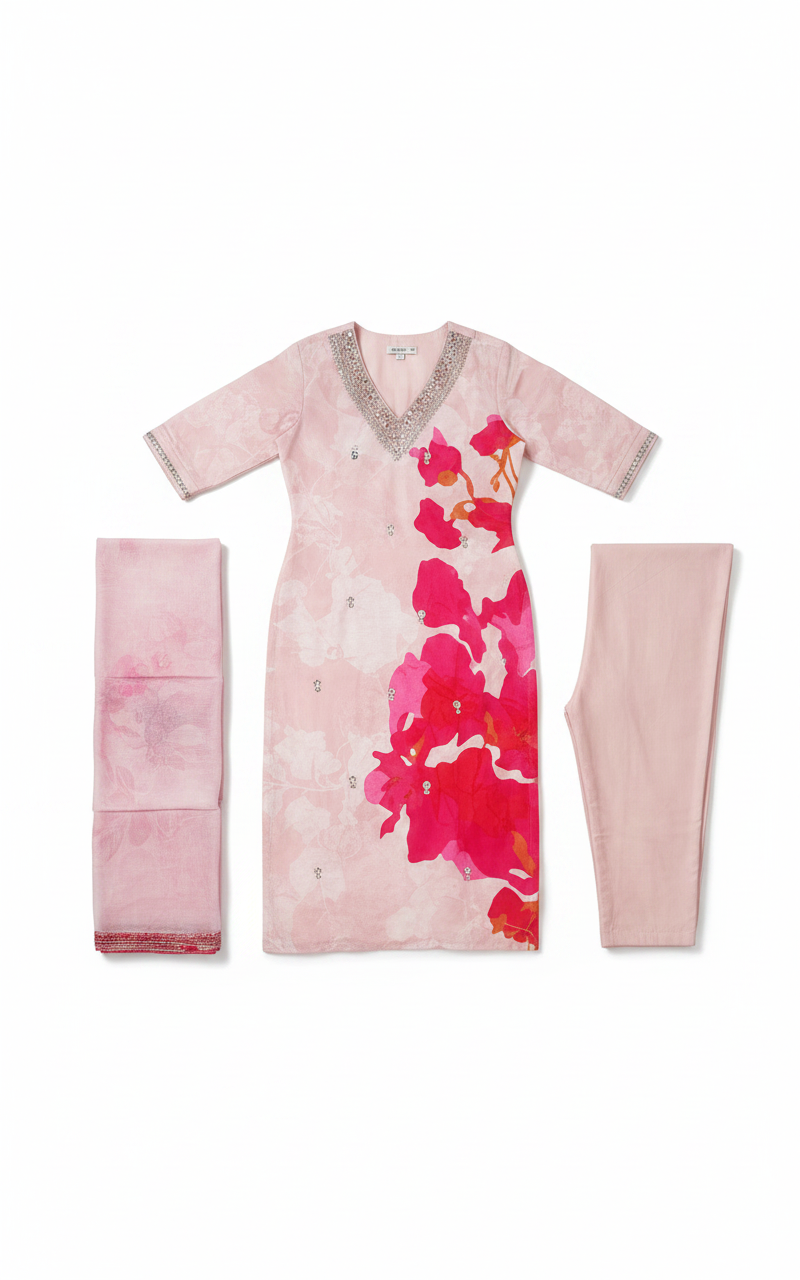
The product photo you have02
The product photo you haveYour existing catalog images. No reshoots needed.
The try-on, generated03
8.6s
The try-on, generatedA realistic preview on their body, in seconds.
01 · 어디에 있나

모든 상품 페이지에 피팅룸.

한 번 설치, 테마 코드 불필요. 쇼핑객은 장바구니 담기 아래의 See it on you를 탭하여 자신의 몸에서 옷을 확인합니다.
https://indie-fashion-store-cl4lfhx8.myshopify.com//products/floral-print-midi-dress

MAISON RUE

Floral Print Midi Dress

€49.00

★★★★★4.9 (214)
Add to bag
See it on you
이 부분은 SnapIT이 추가합니다. 나머지는 테마입니다.

모든 테마, 모든 언어

스토어프론트와 일치하고 바로 스토어 언어를 사용합니다.

기본 비공개

쇼핑객 사진은 7일 후 자동 삭제되며 학습에 절대 사용되지 않습니다.

귀하의 브랜드, 저희 것이 아닙니다

화이트라벨: 피팅룸은 SnapIT이 아닌 귀하의 로고를 표시합니다.

02 · 커버리지

카탈로그의 모든 카테고리.

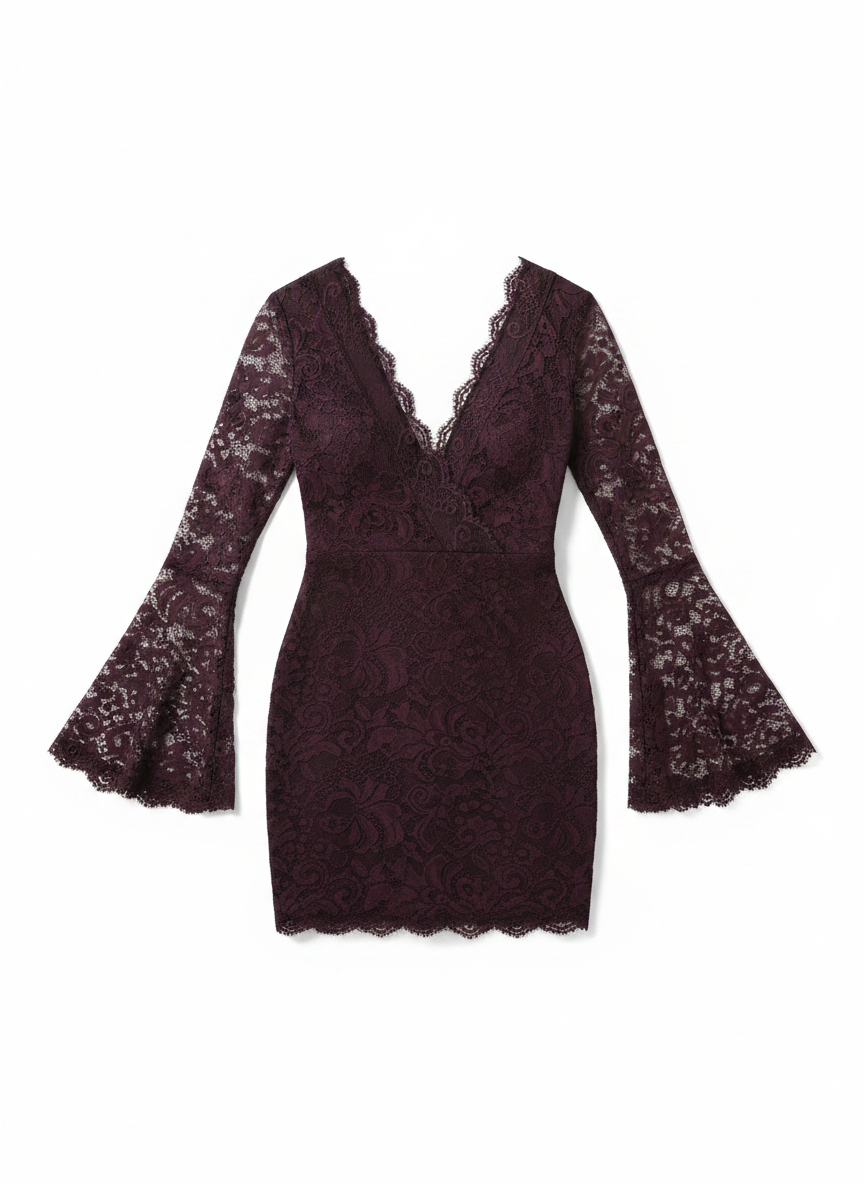
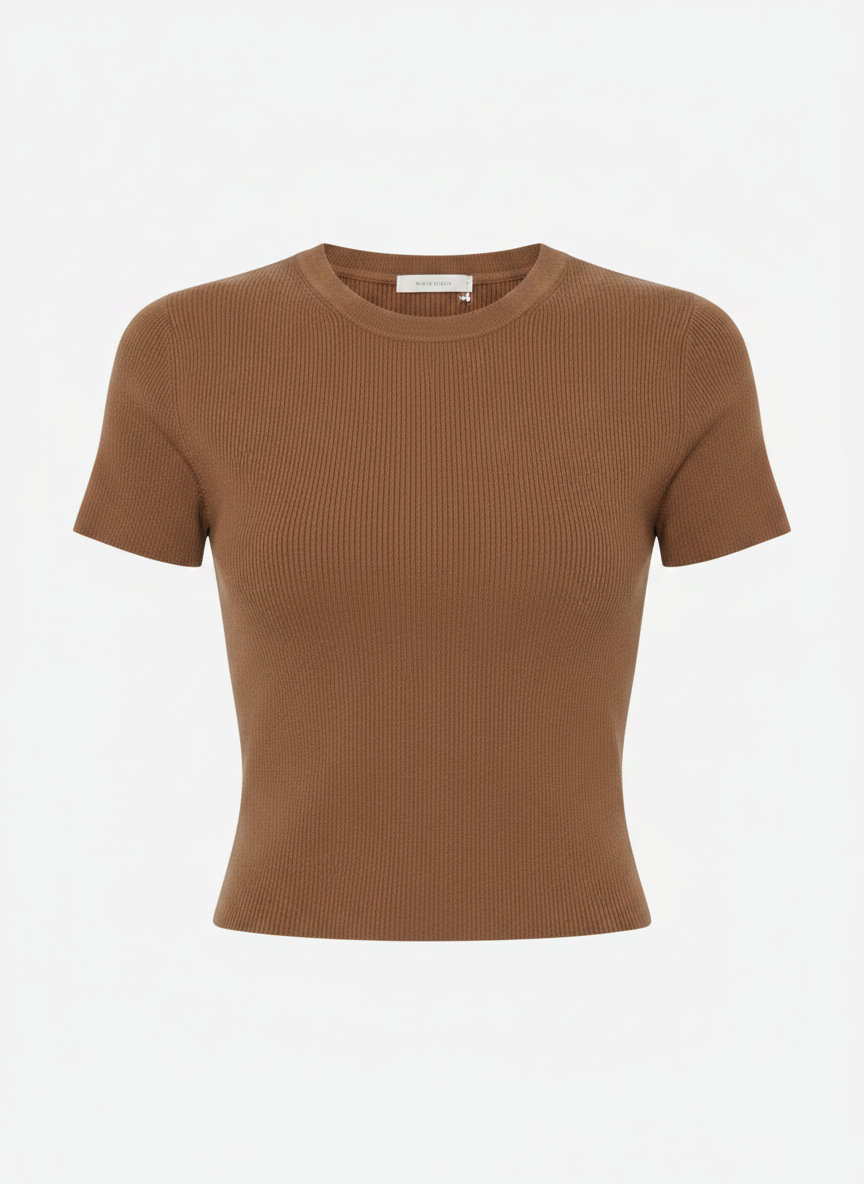
드레스, 아우터웨어, 테일러링, 니트, 데님. 같은 얼굴, 같은 몸, 같은 포즈. 옷만 바뀝니다.

모든 카테고리 보기 →

Conversion: shoppers who tried on vs. not

yourstore.com

Tried on with SnapIT

6.4%

Didn't try on

2.1%

Revenue attributed to try-ons this month

$12,480

03 · 전환을 위해 제작

피팅이 망설임을 주문으로 바꿉니다.

Every try-on is tracked from widget open to order. See the conversion lift, spot the garments shoppers love, and review captured emails in Shopify and your analytics dashboard.

+32%

conversion after try-on

−24%

fewer returns

04 · The shopper experience

Shoppers see themselves in everything you sell.

Shoppers flick through looks on their own photo, outfit after outfit, without re-uploading anything.

  • Higher conversion from accurate, high-quality visualization
  • Fewer returns, because expectations were set on their body
  • Under 10 seconds per look, on any device

Sequin cocktail
Her photo
Her photo
Sequin cocktail

The looks change. Her photo doesn't.

06 · 요금

간단한 요금제. 가상 착용 1회당 결제하세요.

카드 없이 무료 체험을 시작하세요. 고객이 착용을 시작하면 업그레이드하세요.

FREE

$0/mo

설치 시 크레딧 2개 · 착용 2회

앱 설치에 포함

  • 2 credits on install
  • 맞춤 설정 가능한 가상 착용 위젯
  • Shopify App Store 지원
Start Free Trial

STARTER

$10/mo

크레딧 112개 · 착용 112회

$0.09/회 · 정가에서 10% 할인

  • 112 monthly try-ons included
  • 분석 대시보드
  • 일반 지원
시작하기

GROWTH

가장 인기
$39/mo

크레딧 488개 · 착용 488회

$0.08/회 · 정가에서 20% 할인

  • 488 monthly try-ons included
  • 고급 분석
  • 일반 지원
시작하기

PRO

$99/mo

크레딧 1,415개 · 착용 1,415회

$0.07/회 · 정가에서 30% 할인

  • 1,415 monthly try-ons included
  • 고급 분석
  • SnapIT 브랜딩 제거
  • VIP 지원
Pro로 이동

SCALE

$499/mo

크레딧 8,317개 · 착용 8,317회

$0.06/회 · 정가에서 40% 할인

  • 8,317 monthly try-ons included
  • 고급 분석
  • SnapIT 브랜딩 제거
  • 우선 온보딩
  • 전담 지원
Scale로 이동
자주 묻는 질문

Questions, answered.

Everything you need to know about getting started with SnapIT.

How does SnapIT work?
SnapIT uses advanced AI to generate realistic virtual try-on images. Customers upload one photo of themselves, and the AI creates a new image showing how the garment would look on their body — in just a few seconds.
Is there a free plan?
Yes. The Free plan includes 10 try-ons per month — no card required, and it stays free. When you need more volume, upgrade to Starter, Growth or Pro and only pay for additional try-ons beyond your monthly allocation.
How long does it take to set up?
Installation takes just a few minutes. Install SnapIT from the Shopify App Store, choose which products or collections to enable, and the 'See it on you' button automatically appears on your product pages. No coding or theme modifications required.
What types of clothing work best?
SnapIT supports all types of clothing but works best with upper-body garments (tops, shirts, jackets) and dresses. We recommend clear product images on a plain background for the best results.
Is customer data secure and private?
Absolutely. Customer photos are encrypted in transit and at rest, used exclusively to generate the try-on, and automatically deleted after 7 days. We never use customer photos to train AI models or for any other purpose.
Can I customize the widget appearance?
The widget matches your store's theme automatically. Pro users can remove SnapIT branding for a fully white-label experience. Contact support if you need additional customization.
Can customers take a photo directly instead of uploading one?
Yes. Customers can either upload an existing photo or use the 'Take a photo' option to capture a new image directly from their device camera.
What if I need help or have questions?
We provide direct support to all merchants. Reach out at contactus@snapmydesign.com or through the in-app chat — we're happy to help with onboarding.

Still have questions?

See it on your own products.

Free plan included. Live on your product pages in five minutes — and watch the returns shrink.