
Ứng dụng thử đồ ảo duy nhất cho Shopify mà bạn cần.
Tiết kiệm trả hàng lớn. Cài đặt nhỏ. Tất cả niềm vui.
Mọi người mua trở thành người mẫu. Một bức ảnh, cơ thể của chính họ, toàn bộ danh mục của bạn — trong vòng chưa đầy 10 giây.

 01
01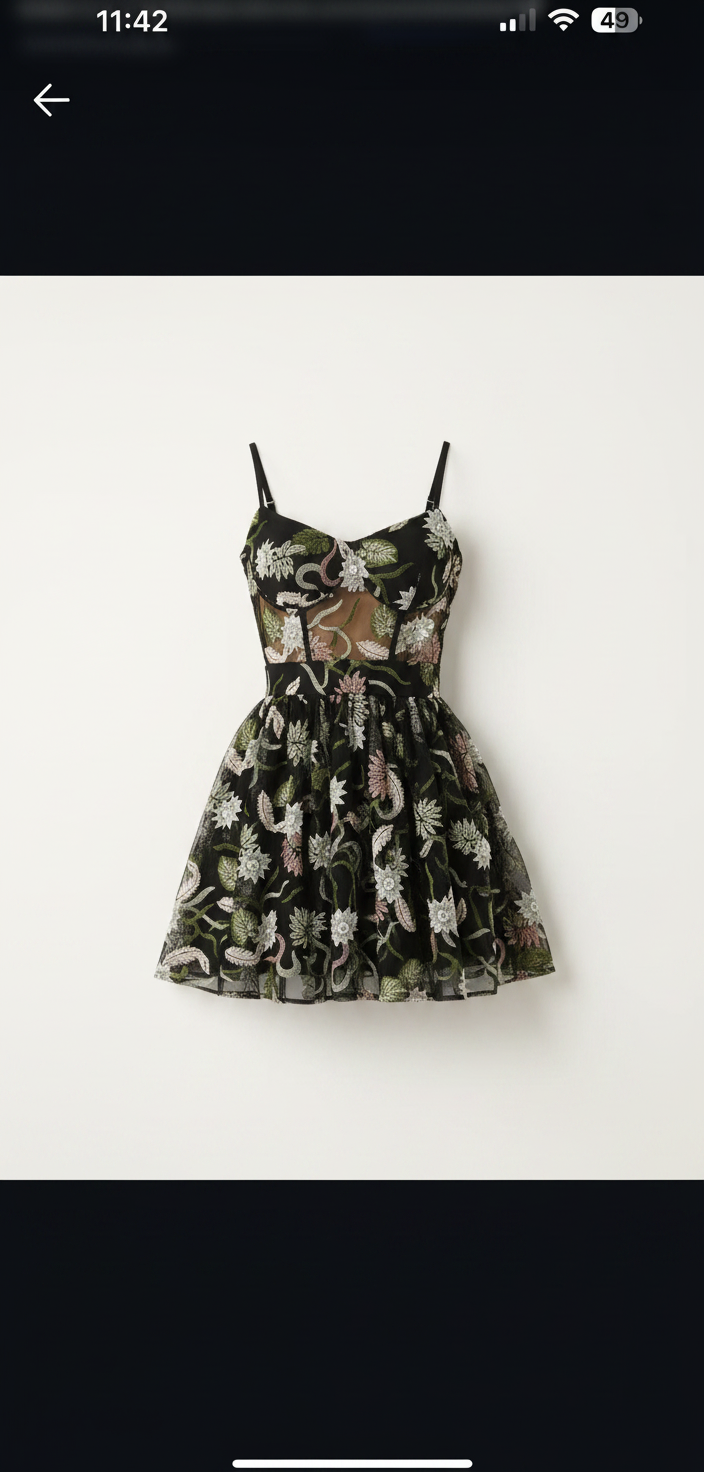 02
02 03
03Phòng thử đồ trên mọi trang sản phẩm.
Một lần cài đặt, không cần mã giao diện. Người mua nhấn See it on you dưới thêm vào giỏ hàng và thấy trang phục trên chính cơ thể họ.

MAISON RUE
Floral Print Midi Dress
€49.00
★★★★★4.9 (214)Bất kỳ giao diện nào, ngôn ngữ nào
Khớp với cửa hàng của bạn và nói ngôn ngữ cửa hàng ngay lập tức.
Riêng tư theo mặc định
Ảnh người mua tự động xóa sau 7 ngày và không bao giờ dùng để huấn luyện.
Thương hiệu của bạn, không phải của chúng tôi
Nhãn trắng: phòng thử mang logo của bạn, không phải SnapIT.
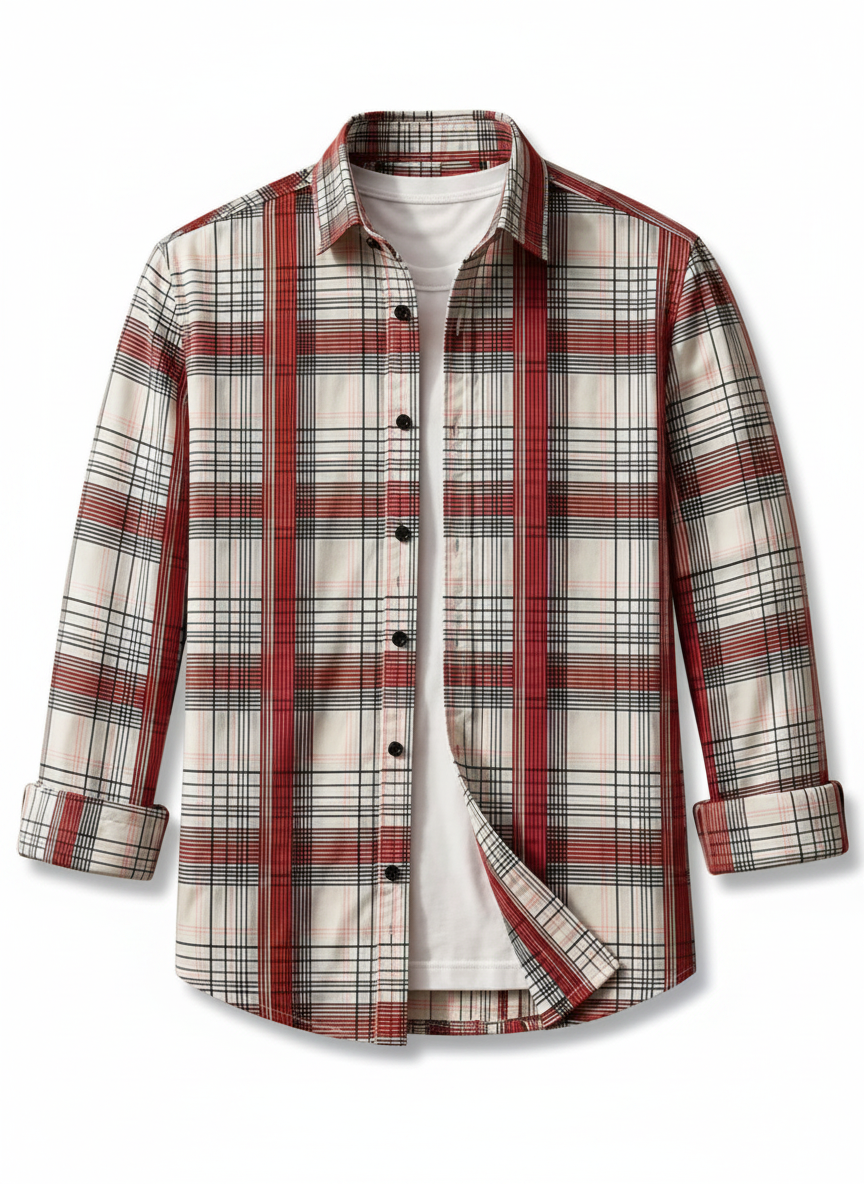
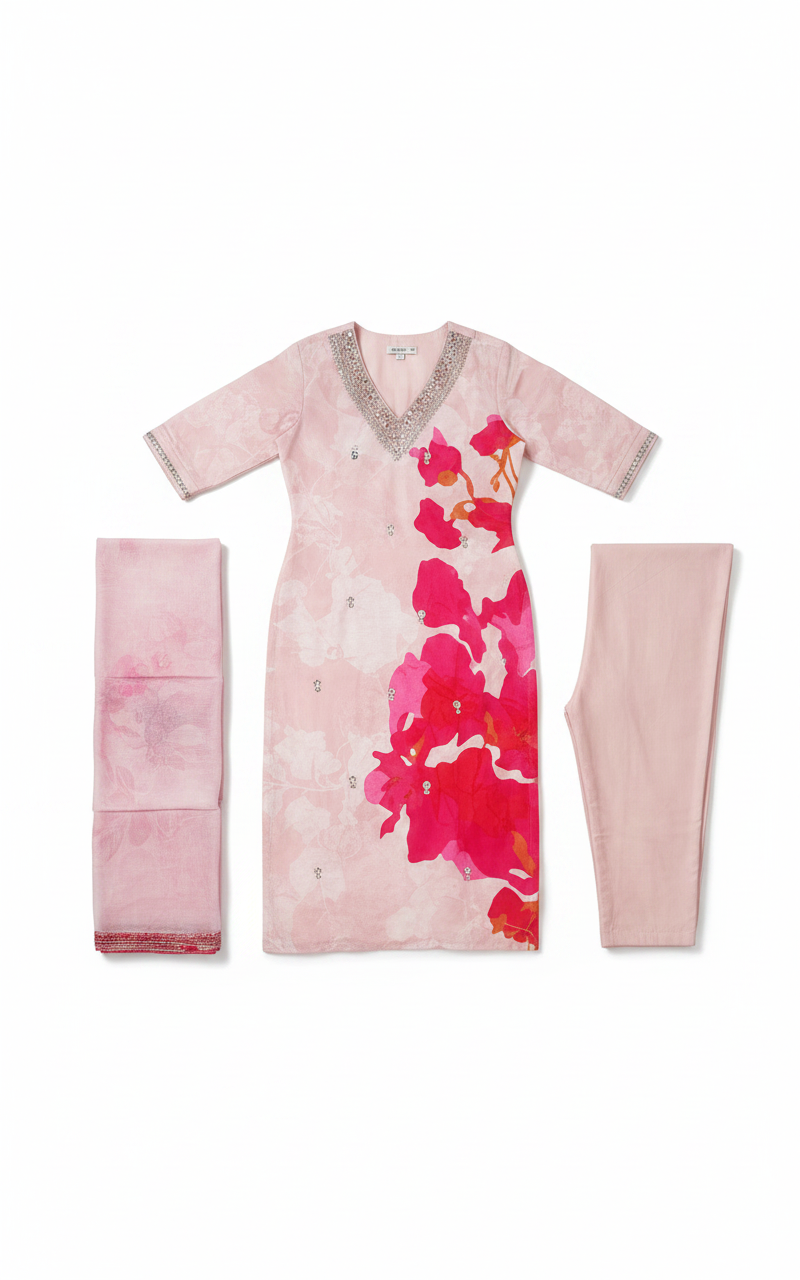
Mọi danh mục trong danh mục của bạn.
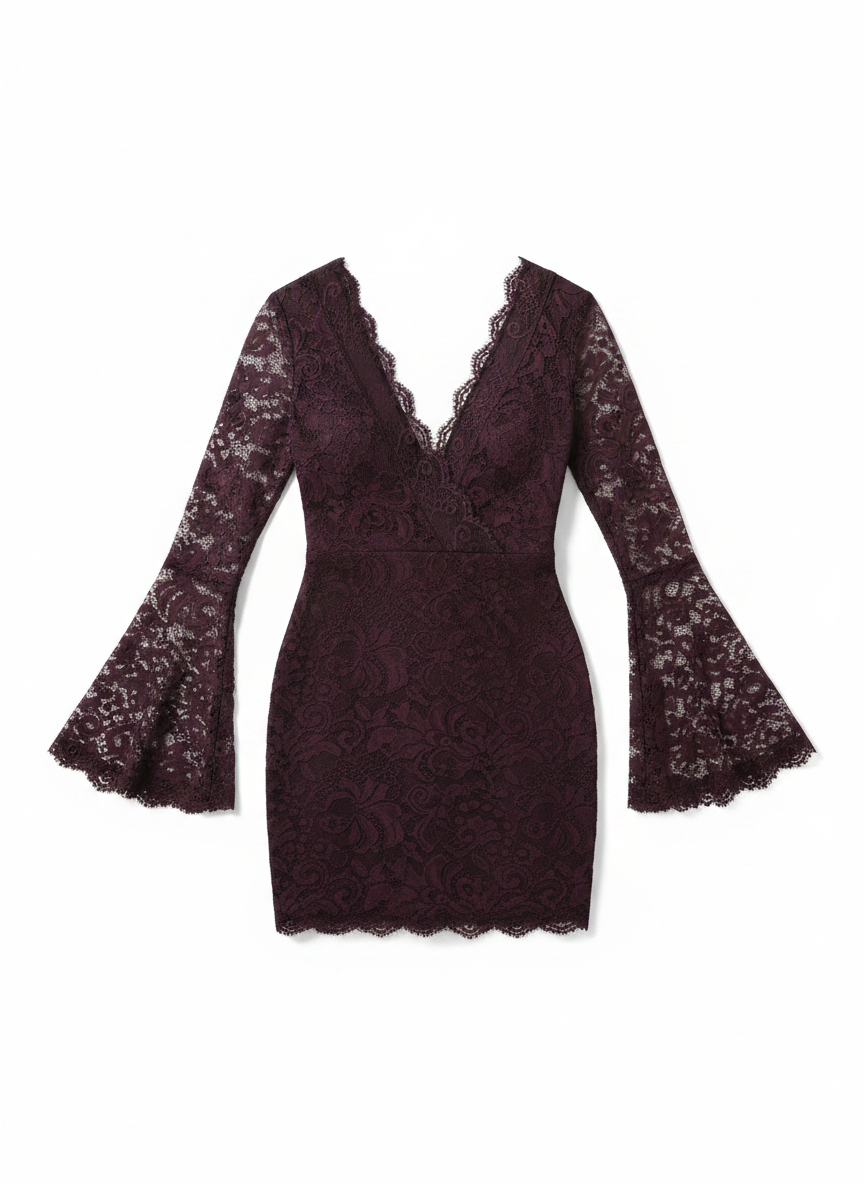
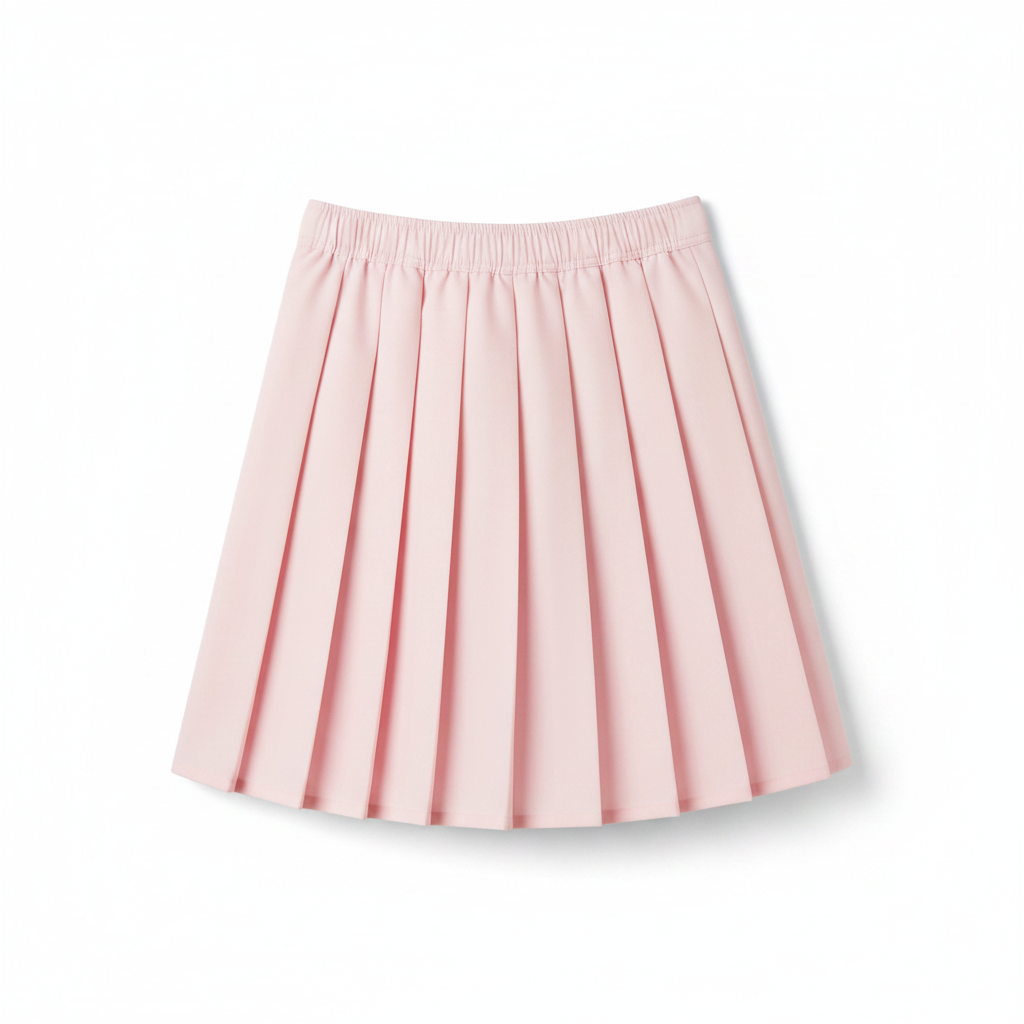
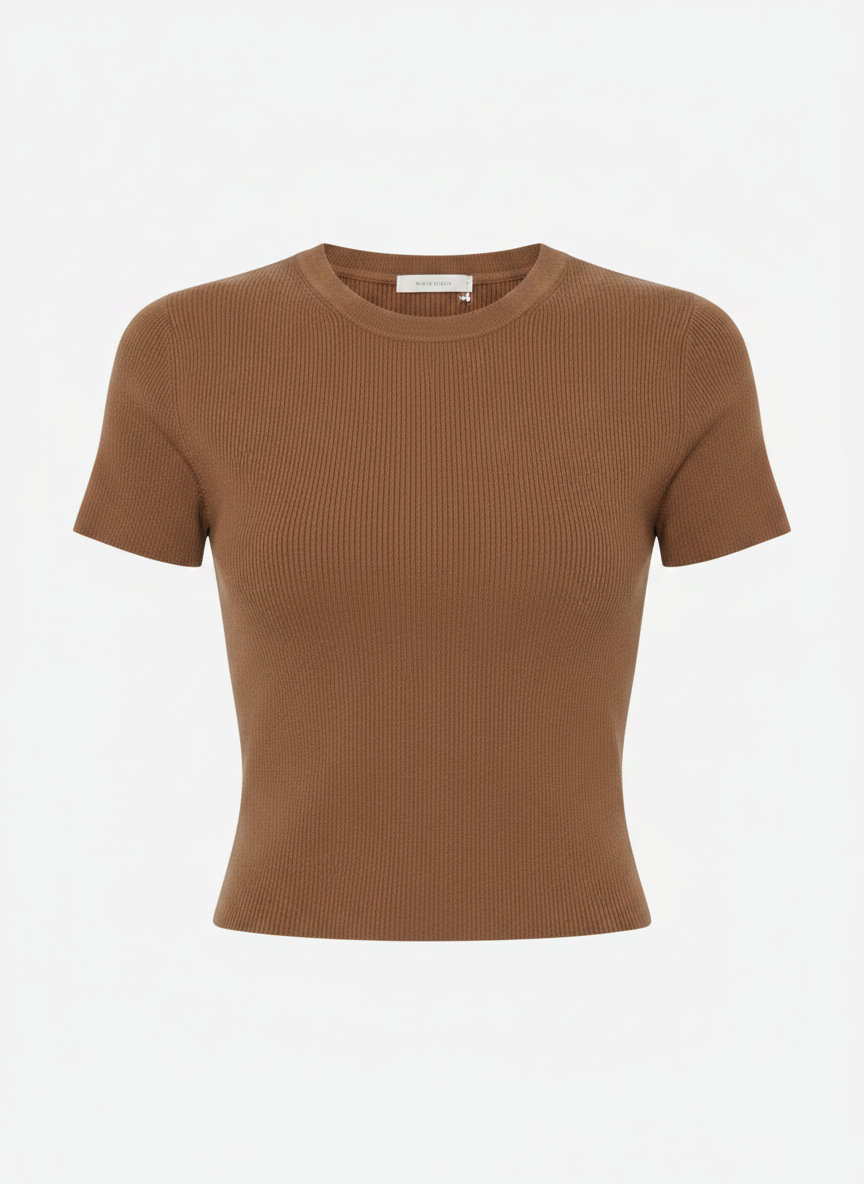
Váy, áo khoác ngoài, may đo, đồ dệt kim, denim. Cùng một khuôn mặt, cùng một cơ thể, cùng một dáng. Chỉ trang phục thay đổi.
Xem tất cả danh mục →






Conversion: shoppers who tried on vs. not
yourstore.com
Tried on with SnapIT
6.4%
Didn't try on
2.1%
Revenue attributed to try-ons this month
$12,480
Thử đồ biến sự do dự thành đơn hàng.
Every try-on is tracked from widget open to order. See the conversion lift, spot the garments shoppers love, and review captured emails in Shopify and your analytics dashboard.
+32%
conversion after try-on
−24%
fewer returns
Shoppers see themselves in everything you sell.
Shoppers flick through looks on their own photo, outfit after outfit, without re-uploading anything.
- Higher conversion from accurate, high-quality visualization
- Fewer returns, because expectations were set on their body
- Under 10 seconds per look, on any device

The looks change. Her photo doesn't.
Bảng giá đơn giản. Thanh toán theo mỗi lần thử đồ ảo.
Bắt đầu dùng thử miễn phí, không cần thẻ. Nâng cấp khi khách hàng bắt đầu thử đồ.
FREE
2 tín dụng · 2 lần thử khi cài đặt
Đã bao gồm khi cài đặt ứng dụng
- –2 credits on install
- –Tiện ích thử đồ ảo có thể tùy chỉnh
- –Hỗ trợ Shopify App Store
STARTER
112 tín dụng · 112 lần thử
$0,09/lần thử · giảm 10% so với giá niêm yết
- –112 monthly try-ons included
- –Bảng điều khiển phân tích
- –Hỗ trợ tiêu chuẩn
GROWTH
Phổ biến nhất488 tín dụng · 488 lần thử
$0,08/lần thử · giảm 20% so với giá niêm yết
- –488 monthly try-ons included
- –Phân tích nâng cao
- –Hỗ trợ tiêu chuẩn
PRO
1.415 tín dụng · 1.415 lần thử
$0,07/lần thử · giảm 30% so với giá niêm yết
- –1,415 monthly try-ons included
- –Phân tích nâng cao
- –Xóa thương hiệu SnapIT
- –Hỗ trợ VIP
SCALE
8.317 tín dụng · 8.317 lần thử
$0,06/lần thử · giảm 40% so với giá niêm yết
- –8,317 monthly try-ons included
- –Phân tích nâng cao
- –Xóa thương hiệu SnapIT
- –Thiết lập ưu tiên
- –Hỗ trợ riêng
Questions, answered.
Everything you need to know about getting started with SnapIT.
How does SnapIT work?↓
Is there a free plan?↓
How long does it take to set up?↓
What types of clothing work best?↓
Is customer data secure and private?↓
Can I customize the widget appearance?↓
Can customers take a photo directly instead of uploading one?↓
What if I need help or have questions?↓
Still have questions?
See it on your own products.
Free plan included. Live on your product pages in five minutes — and watch the returns shrink.