
AI Virtual Try-On for T-Shirts on Shopify
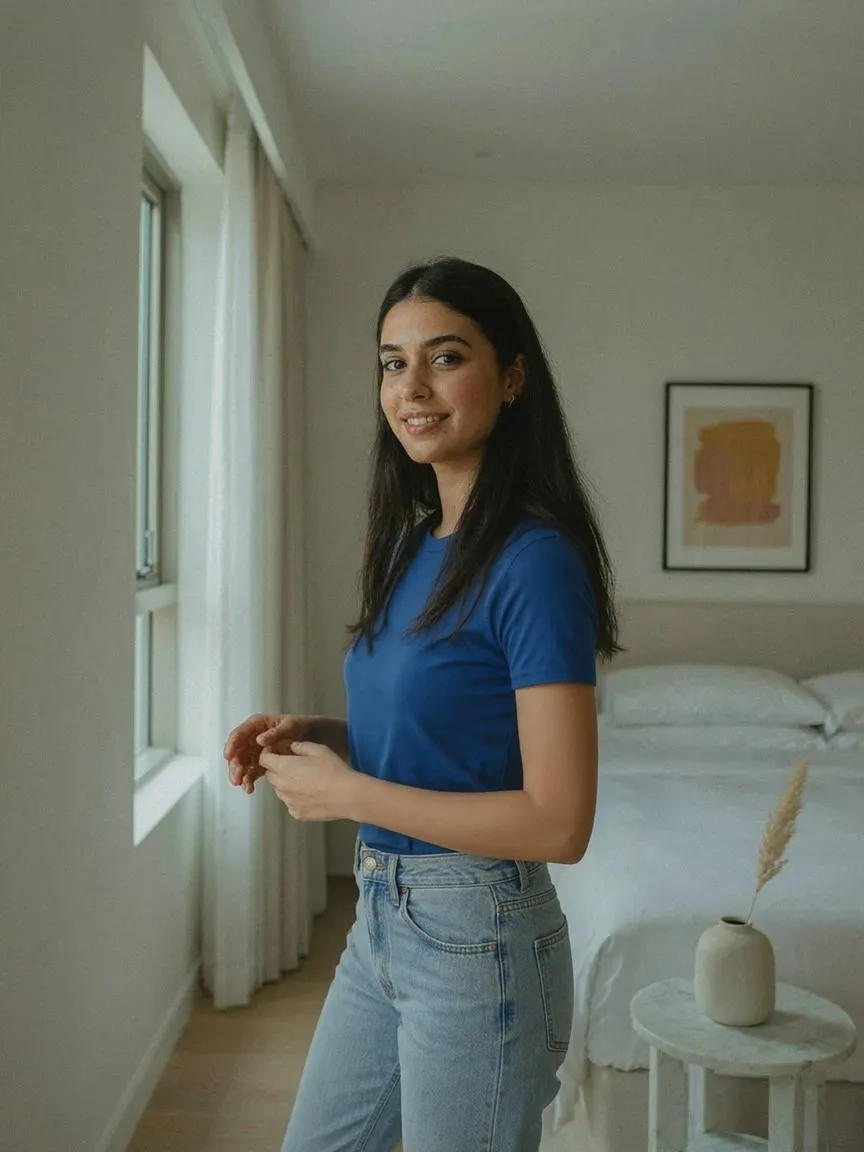
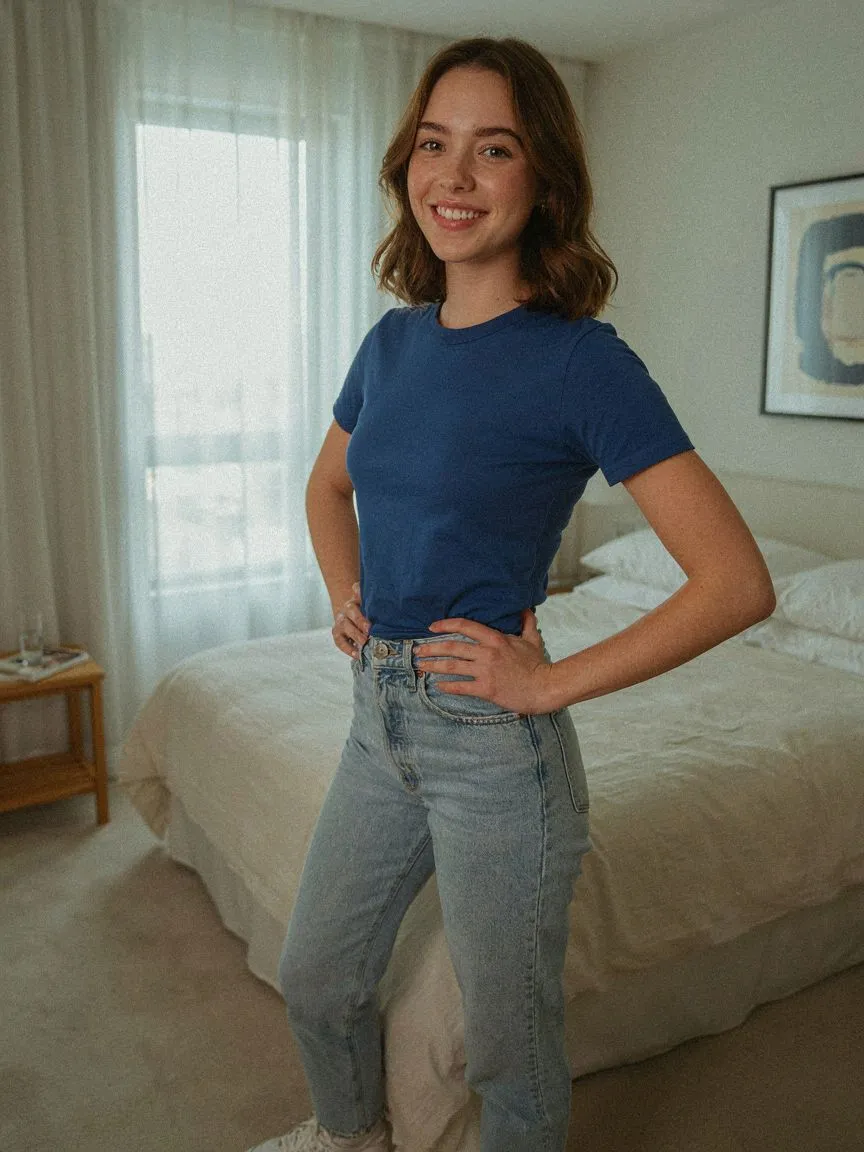
T-shirts are the highest-volume category in fashion and the easiest to get subtly wrong on fit — length, shoulder width and how a graphic sits all matter. AI virtual try-on for t-shirts on Shopify shows each tee on the shopper's own body before they buy.
購入前に試着
 01
01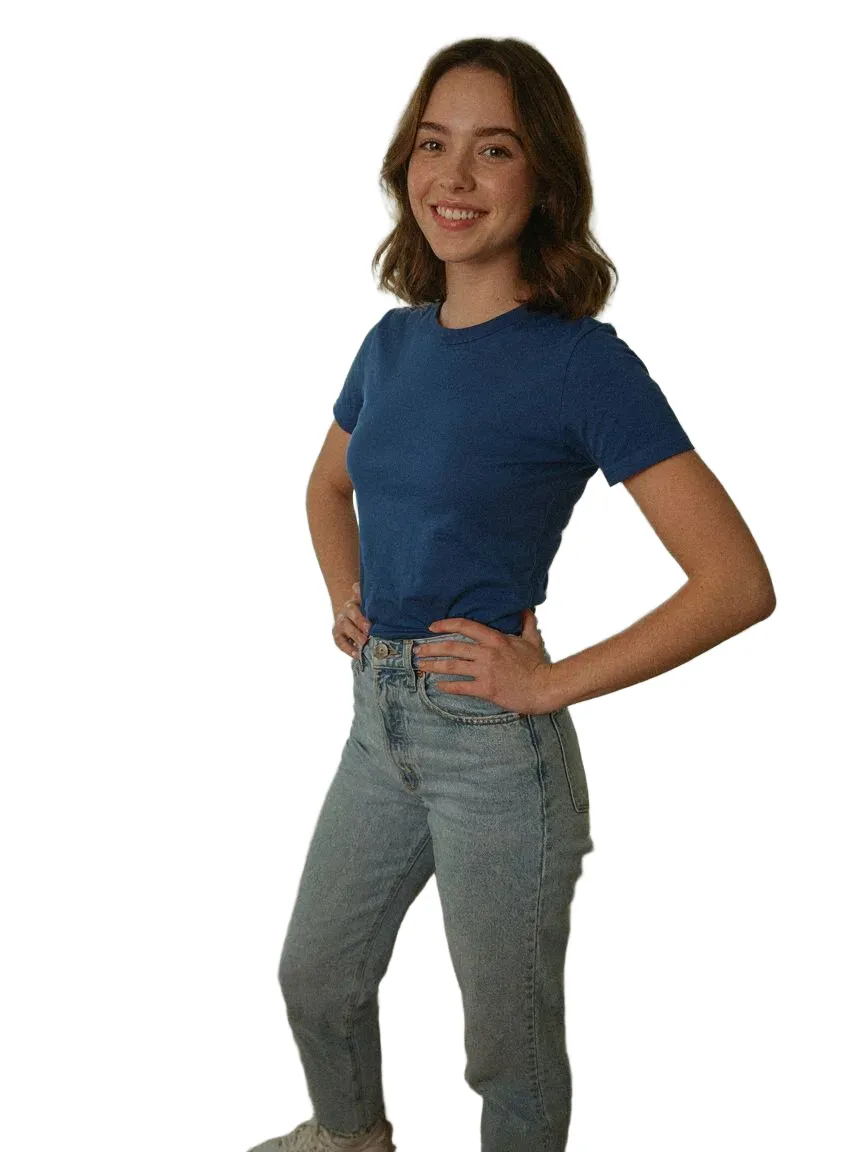 0203
0203取り上げているすべてのt-shirtsスタイル
よくある質問
Yes. Shoppers upload one photo and SnapIT renders each tee on their own body from your existing product images.
Yes. Prints and graphics are preserved from your product image and rendered on the shopper's chest.
Shopify App StoreからSnapITをインストールし、有効にする商品やコレクションを選ぶと、See it on youボタンが該当の商品ページに自動で表示されます。テーマコードも再撮影も不要です。
写真1枚だけ。手持ちの画像でもデバイスのカメラで撮ったものでもOK。SnapITが商品画像と組み合わせてプレビューを生成します。
はい。SnapITはShopifyカタログにある平面の商品画像から生成するため、新しい撮影も3Dデータもなしで全SKUをプレビューできます。
SnapITは無料で始められます。インストール時に2試着クレジットが付与されます。有料プランは月10ドル(112試着)から、ボリュームプランでは最大8,317試着が含まれます。