
AI Virtual Try-On for T-Shirts on Shopify
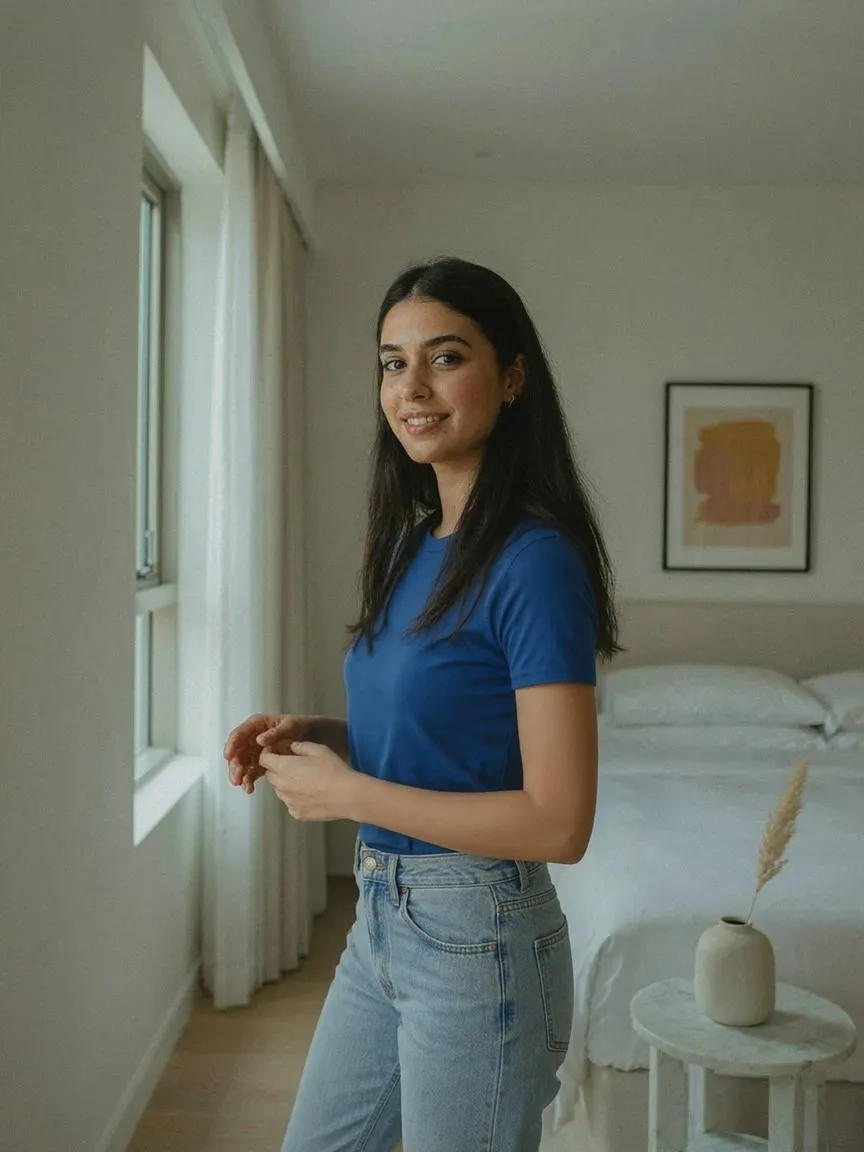
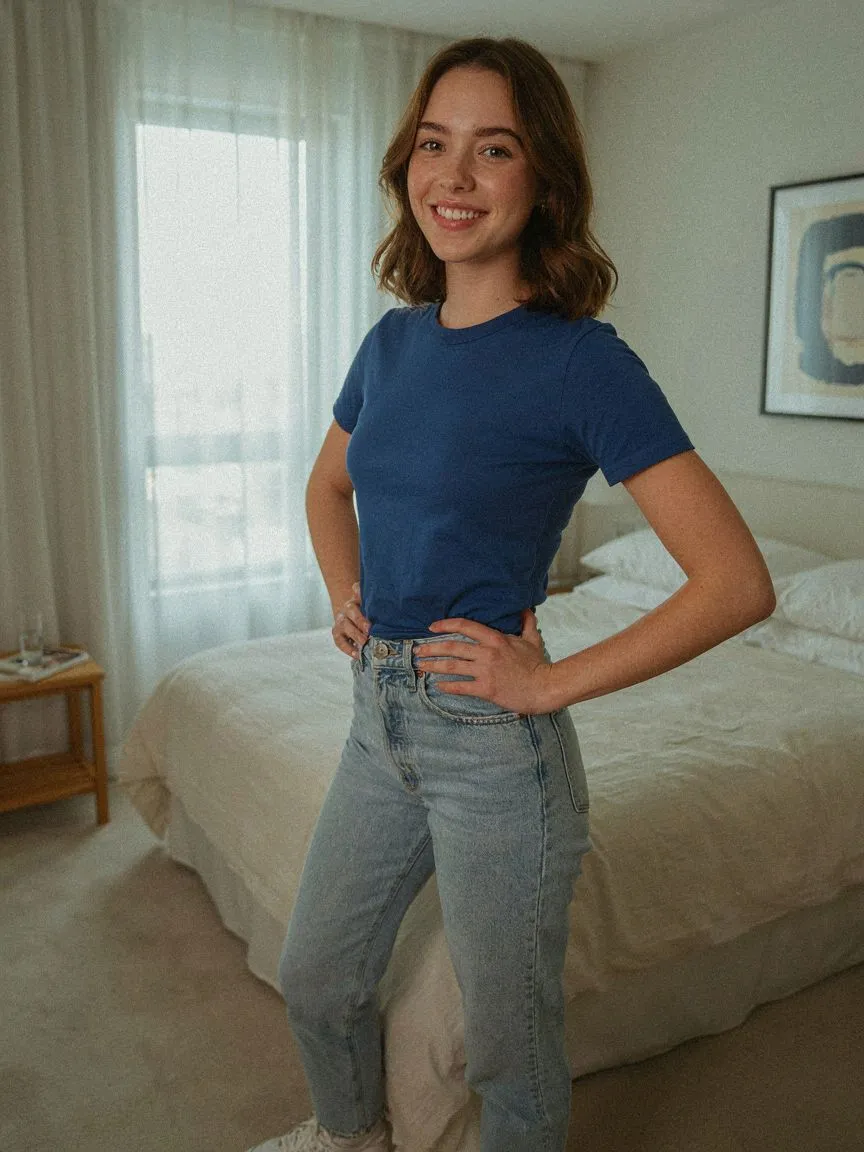
T-shirts are the highest-volume category in fashion and the easiest to get subtly wrong on fit — length, shoulder width and how a graphic sits all matter. AI virtual try-on for t-shirts on Shopify shows each tee on the shopper's own body before they buy.
Provalo prima di comprarlo
 01
01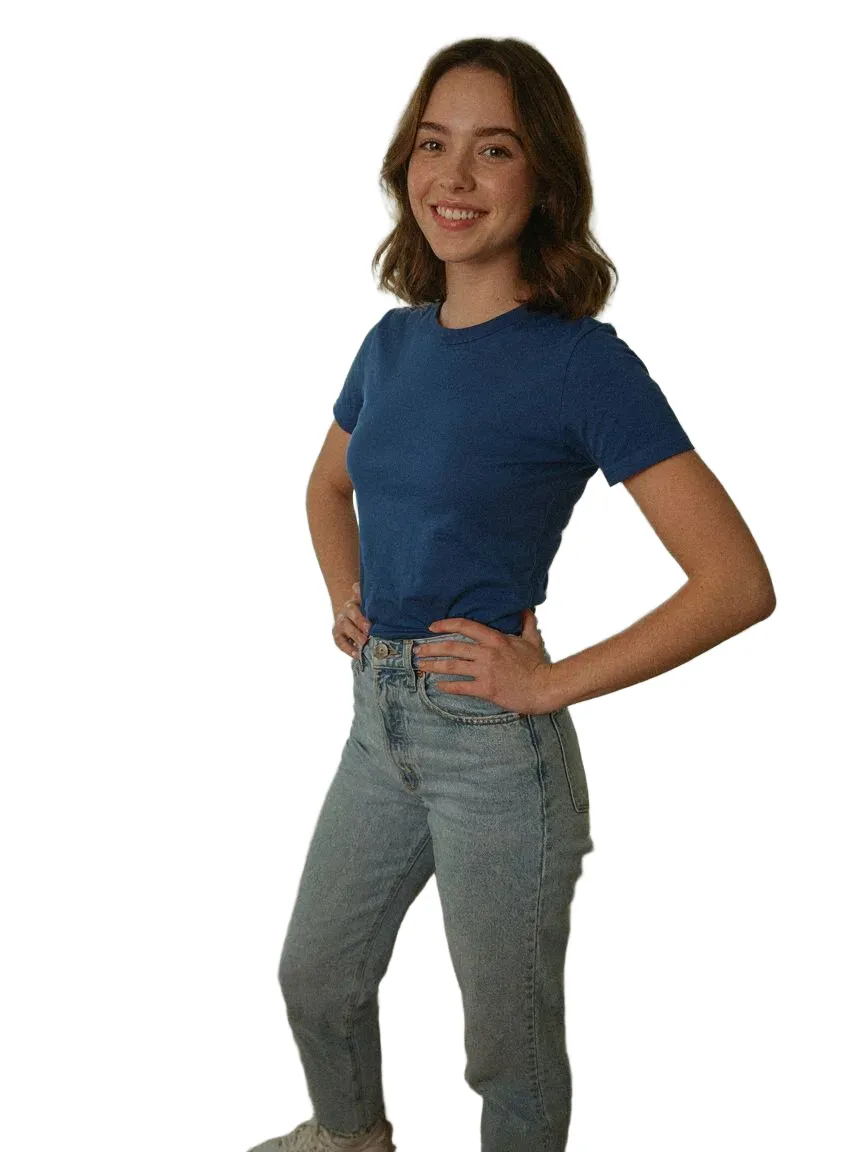 0203
0203Tutti gli stili t-shirts che copriamo
Domande frequenti
Yes. Shoppers upload one photo and SnapIT renders each tee on their own body from your existing product images.
Yes. Prints and graphics are preserved from your product image and rendered on the shopper's chest.
Installa SnapIT dalla Shopify App Store, scegli quali prodotti o collezioni abilitare, e il pulsante See it on you appare automaticamente su quelle pagine prodotto. Senza codice del tema né nuovi shooting.
Una foto: un'immagine che ha già o scattata con la fotocamera del dispositivo. SnapIT la usa insieme all'immagine del prodotto per generare l'anteprima.
Sì. SnapIT funziona con le immagini flat già presenti nel tuo catalogo Shopify, così ogni SKU può essere visualizzato senza nuove fotografie o asset 3D.
SnapIT è gratuito per iniziare — ricevi 2 crediti di prova all'installazione. I piani a pagamento partono da $10/mese per 112 prove, con piani volume fino a 8.317 prove incluse.