
Use case
AI Virtual Try-On for Dresses on Shopify
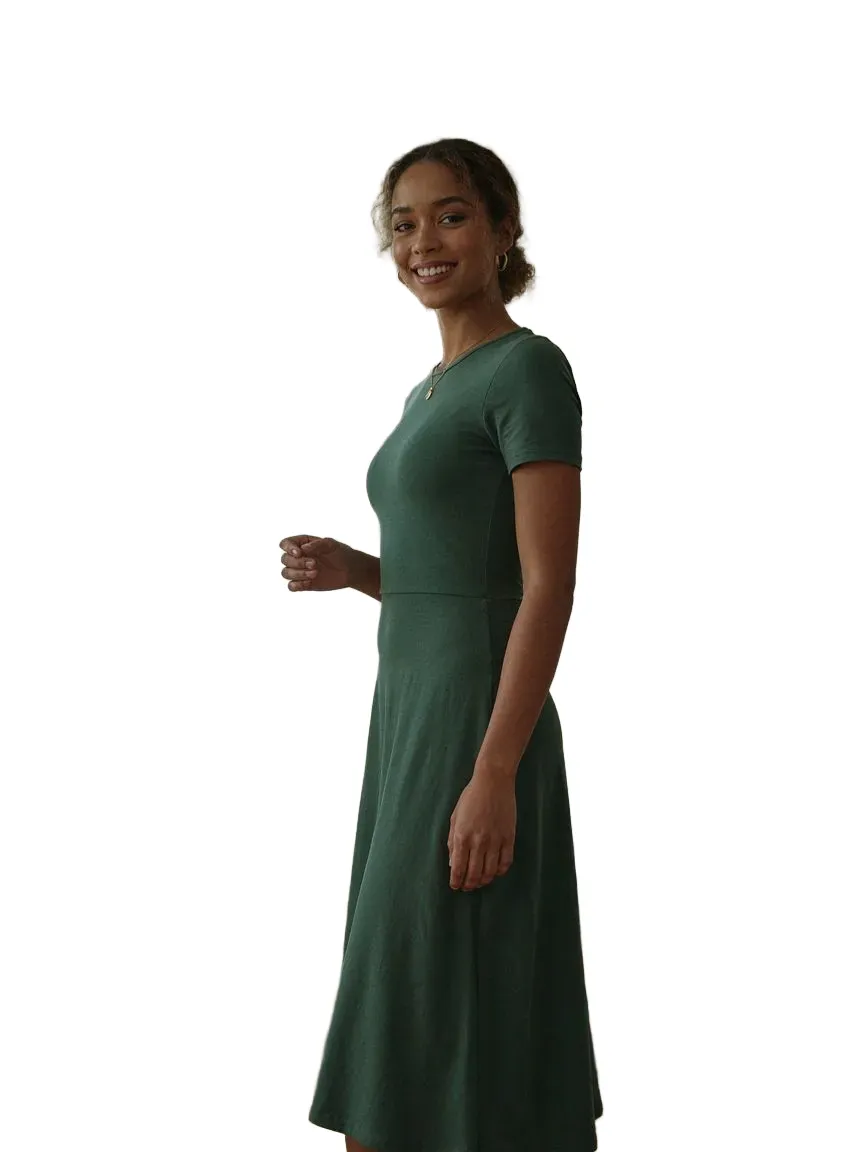
连衣裙是大多数衣橱中最受关注的单品,也是最难在线购买的——长度、垂感和轮廓在真实身材上都会变化。Shopify 连衣裙 AI 虚拟试穿让顾客上传一张照片,在购买前在自己的身体上查看连衣裙。

Dresses

同一位顾客 · 新服装
+32%conversion after try-on
−24%fewer returns
6.4% vs 2.1%conversion: tried on vs didn't
工作原理
先试后买
 01
01顾客照片他们自己的脸和身材。
 02
02您的产品您现有的商品图片。
03AI 试穿几秒钟内即可在他们身上呈现逼真的预览。
热门款式
我们涵盖的所有dresses款式
常见问题
可以。顾客上传一张照片,SnapIT 使用商品页面上已有的商品图片,将每条连衣裙渲染到他们自己的身体上。
Yes. The full garment is generated, including length and drape. Full-body or full-garment product shots on a plain background give the best results.
从 Shopify App Store 安装 SnapIT,选择要启用的商品或系列,See it on you 按钮就会自动出现在相应的商品页面。无需主题代码或重新拍摄。
一张照片——已有的图片或用设备相机拍摄的照片均可。SnapIT 将其与您的商品图结合生成预览。
支持。SnapIT 基于 Shopify 目录中已有的平铺商品图运行,因此每个 SKU 都无需新摄影或 3D 素材即可预览。
SnapIT 可免费开始——安装即获赠 2 个试穿额度。付费方案每月 10 美元起含 112 次试穿,大流量方案最多包含 8,317 次试穿。
继续浏览
Shopify virtual try-onTry-on for a fashion storefront, end to end.了解更多 →How to add virtual try-onFrom install to first try-on, step by step.了解更多 →Maxi Dresses try-onfull-length silhouettes for evening, wedding and boho looks了解更多 →Mini Dresses try-onshorter hemlines and party-ready silhouettes了解更多 →Midi Dresses try-onmid-calf lengths for workwear, casual and occasion wear了解更多 →Skirts try-onThe adjacent bottom — hemlines, waist and flare.了解更多 →Tops try-onHow SnapIT handles tops previews.了解更多 →