
Use case
AI Virtual Try-On for Bootcut Jeans on Shopify
Bootcut jeans pair a fitted thigh with a flared hem — a two-part silhouette that needs the right leg to look right. AI virtual try-on for bootcut jeans on Shopify shows both halves on the shopper's own photo before they buy.

Bootcut Jeans

同一位顾客 · 新服装
+32%conversion after try-on
−24%fewer returns
6.4% vs 2.1%conversion: tried on vs didn't
工作原理
先试后买
 01
01顾客照片他们自己的脸和身材。
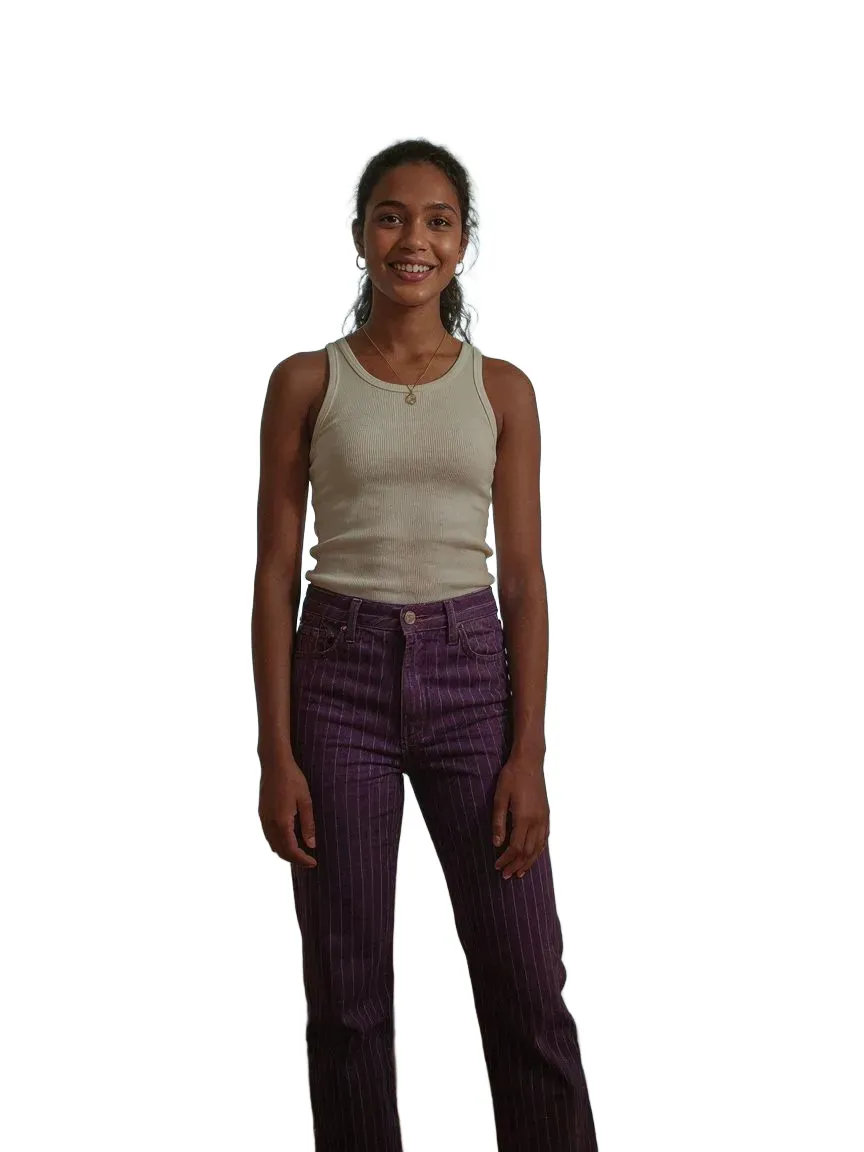 02
02您的产品您现有的商品图片。
03AI 试穿几秒钟内即可在他们身上呈现逼真的预览。
热门款式
我们涵盖的所有jeans款式
常见问题
Yes. The jeans are generated on their photo, so the flared hem and how it sits over boots is visible on their own body.
Yes. The thigh fit is rendered from your product image on the shopper's actual legs.
从 Shopify App Store 安装 SnapIT,选择要启用的商品或系列,See it on you 按钮就会自动出现在相应的商品页面。无需主题代码或重新拍摄。
一张照片——已有的图片或用设备相机拍摄的照片均可。SnapIT 将其与您的商品图结合生成预览。
支持。SnapIT 基于 Shopify 目录中已有的平铺商品图运行,因此每个 SKU 都无需新摄影或 3D 素材即可预览。
SnapIT 可免费开始——安装即获赠 2 个试穿额度。付费方案每月 10 美元起含 112 次试穿,大流量方案最多包含 8,317 次试穿。
继续浏览
Jeans try-onBack to jeans on Shopify.了解更多 →Shopify virtual try-onTry-on for a fashion storefront, end to end.了解更多 →How to add virtual try-onFrom install to first try-on, step by step.了解更多 →Skinny Jeans try-ontapered fits that hug through the leg了解更多 →Straight Leg Jeans try-onrelaxed, timeless cuts with a straight line from hip to hem了解更多 →Shorts try-onThe warm-weather denim and cargo options.了解更多 →