
AI virtual try-on for streetwear
Streetwear is sold on fit and attitude — but most stores can only show a flat-lay or a model whose build is nothing like the buyer's. Drops sell on hype, then get returned on fit.
SnapIT renders your hoodies, tees and jackets on the shopper's own photo, so the look they bought into is the look they see before they pay.
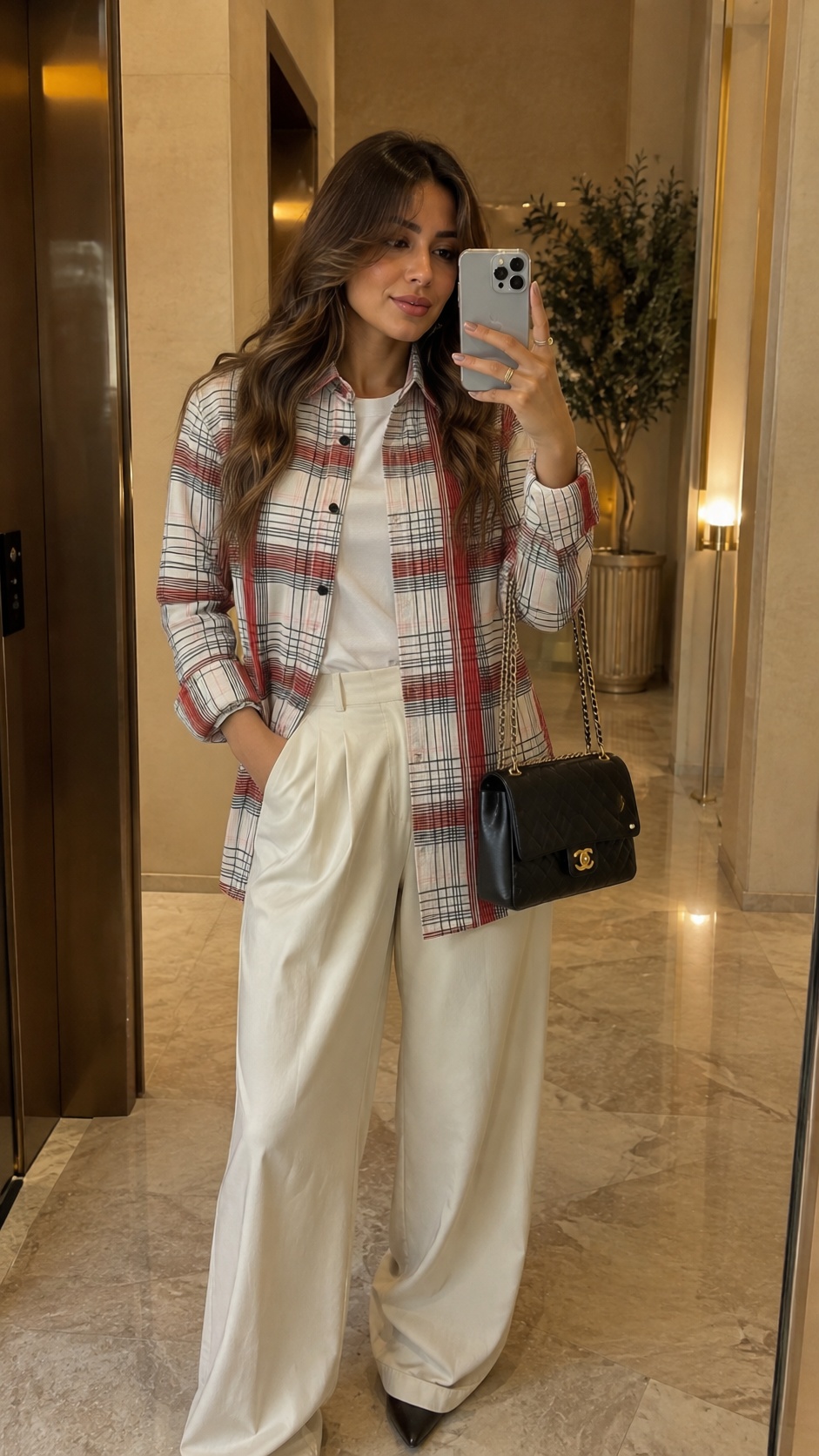
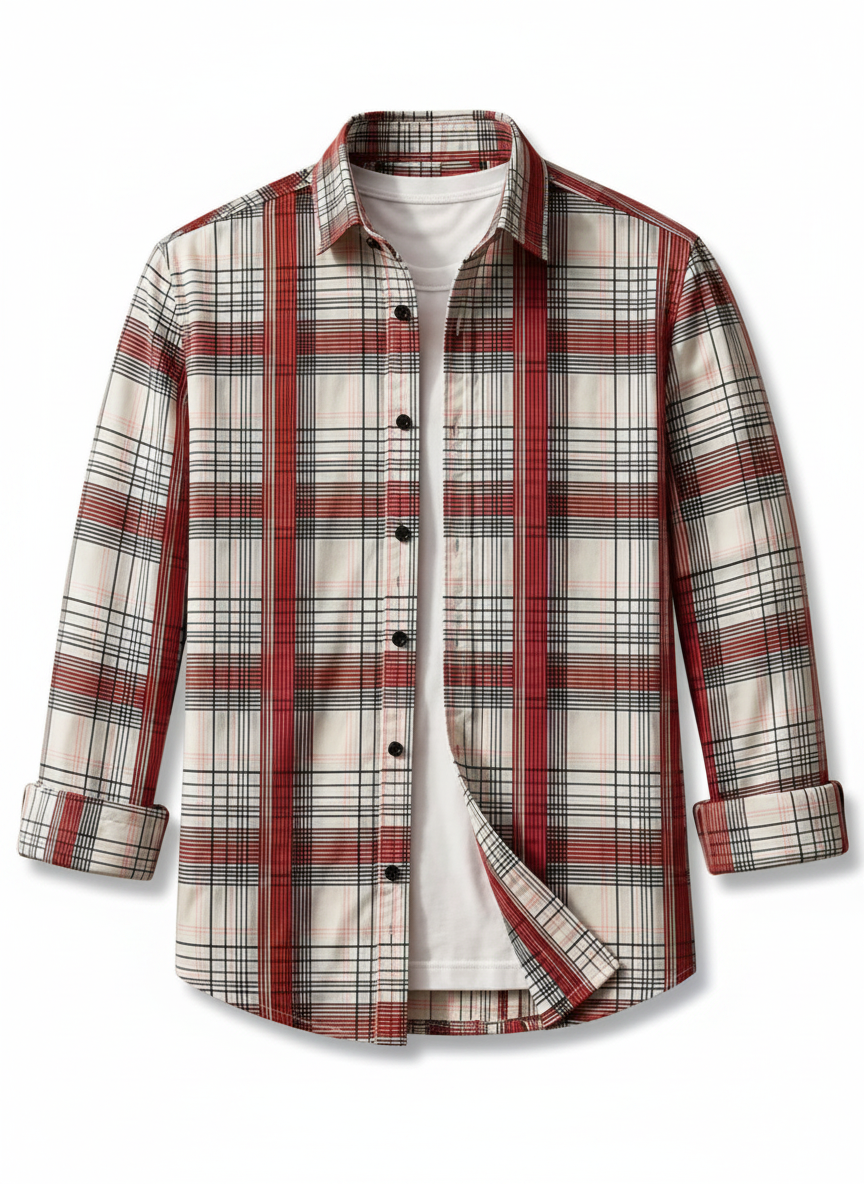
Sell the fit, not the flat-lay
A graphic hoodie on the shopper hits completely differently than the same hoodie laid on a table. Try-on closes that gap and gives drop-day traffic the confidence to check out before sizes run out.
The widget matches your storefront automatically, so it feels like part of the drop, not a third-party bolt-on.
How streetwear try-on works
The shopper uploads one photo — a selfie or a photo taken in the moment. SnapIT generates them wearing the garment, using the product image you already have on the product page. No reshoots, no 3D assets, no new photography.
A try-on takes about nine seconds, and the same photo works across your whole catalog: the shopper's face and body stay constant while the garment changes.
Why merchants add try-on to streetwear
- +32% conversion after a try-on
- −24% returns across stores using SnapIT
- 6.4% conversion for shoppers who try on vs 2.1% for those who don't
- White-label fitting room that matches your storefront
Private by default
Shopper photos are used only to generate the try-on, are never used to train AI models, and are automatically deleted. SnapIT honors Shopify's mandatory privacy webhooks, so you stay compliant by default.
Frequently asked questions
Yes. Graphics and prints are preserved from your product image and rendered on the shopper's body.
Yes. There's nothing to configure per product — enable the collections or products you want and new drops get the try-on button automatically.
SnapIT is free to start — you get 2 try-on credits on install. Paid plans start at $10/month for 112 try-ons, with volume plans up to 8,317 try-ons included.
Minutes. Install from the Shopify App Store, choose which products or collections to enable, and the 'See it on you' button appears on your product pages — no coding or theme edits.