
AI Virtual Try-On for Casual Shirts on Shopify
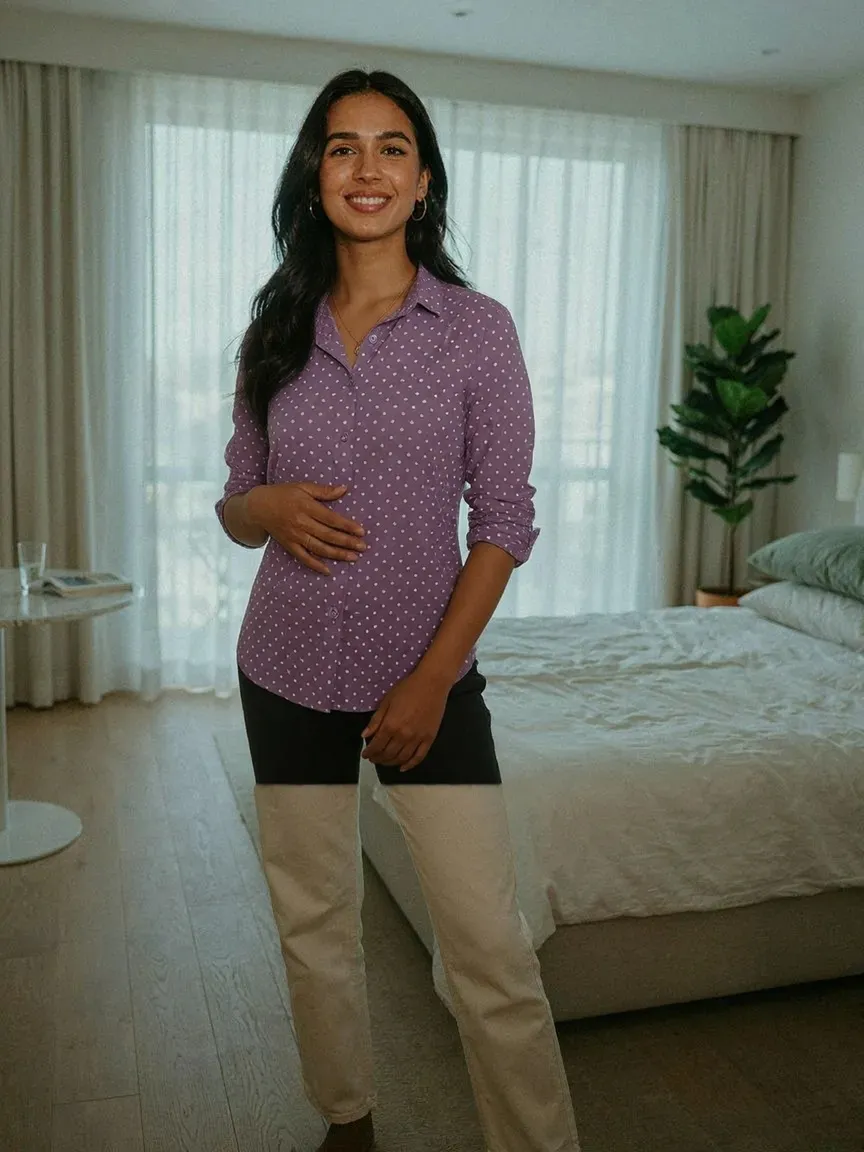
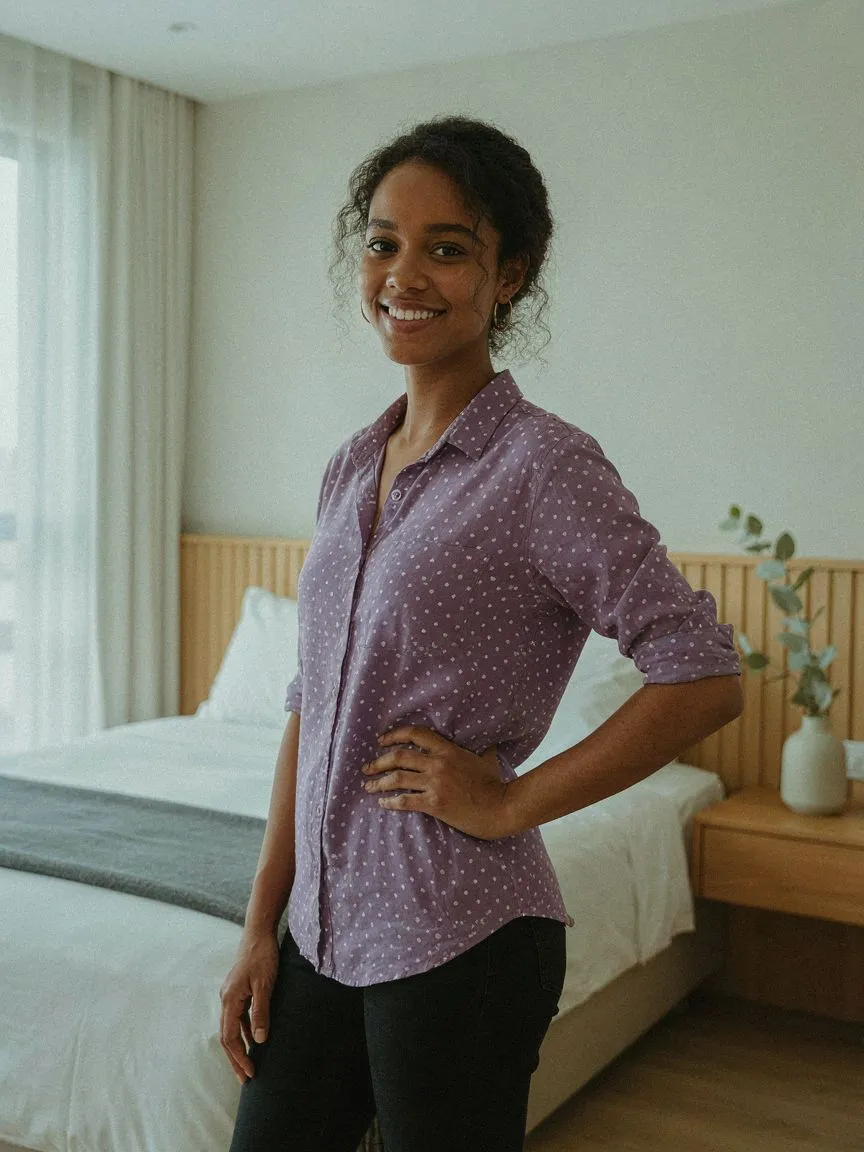
Casual shirts are the most-worn category in menswear and the easiest to get subtly wrong on fit. AI virtual try-on for casual shirts on Shopify shows the relaxed fit on the shopper's own body before they buy.
Try it on, before you buy it
 01
01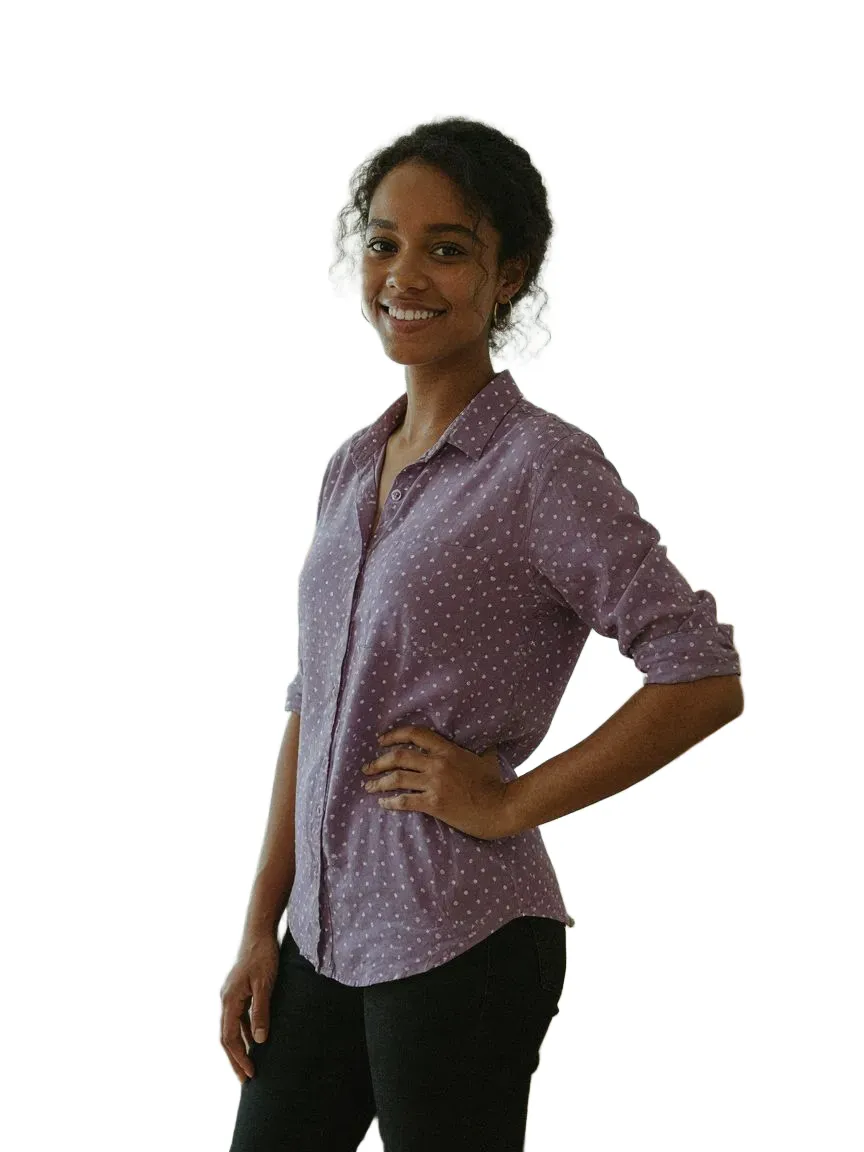 0203
0203Every shirts style we cover
Frequently asked questions
Yes. The shirt is generated on their photo, so the relaxed fit, shoulders and sleeves are visible on their own body.
Yes. Each shirt is rendered from your product image, preserving the real sleeve length.
Install SnapIT from the Shopify App Store, choose which products or collections to enable, and the See it on you button appears on those product pages automatically. No theme code or reshoots required.
One photo — either an image they already have or one taken with their device camera. SnapIT uses it together with your product image to generate the preview.
Yes. SnapIT works from the flat product images already in your Shopify catalog, so every SKU can be previewed without new photography or 3D assets.
SnapIT is free to start — you get 2 try-on credits on install. Paid plans start at $10/month for 112 try-ons, with volume plans up to 8,317 try-ons included.