
AI Virtual Try-On for Activewear on Shopify
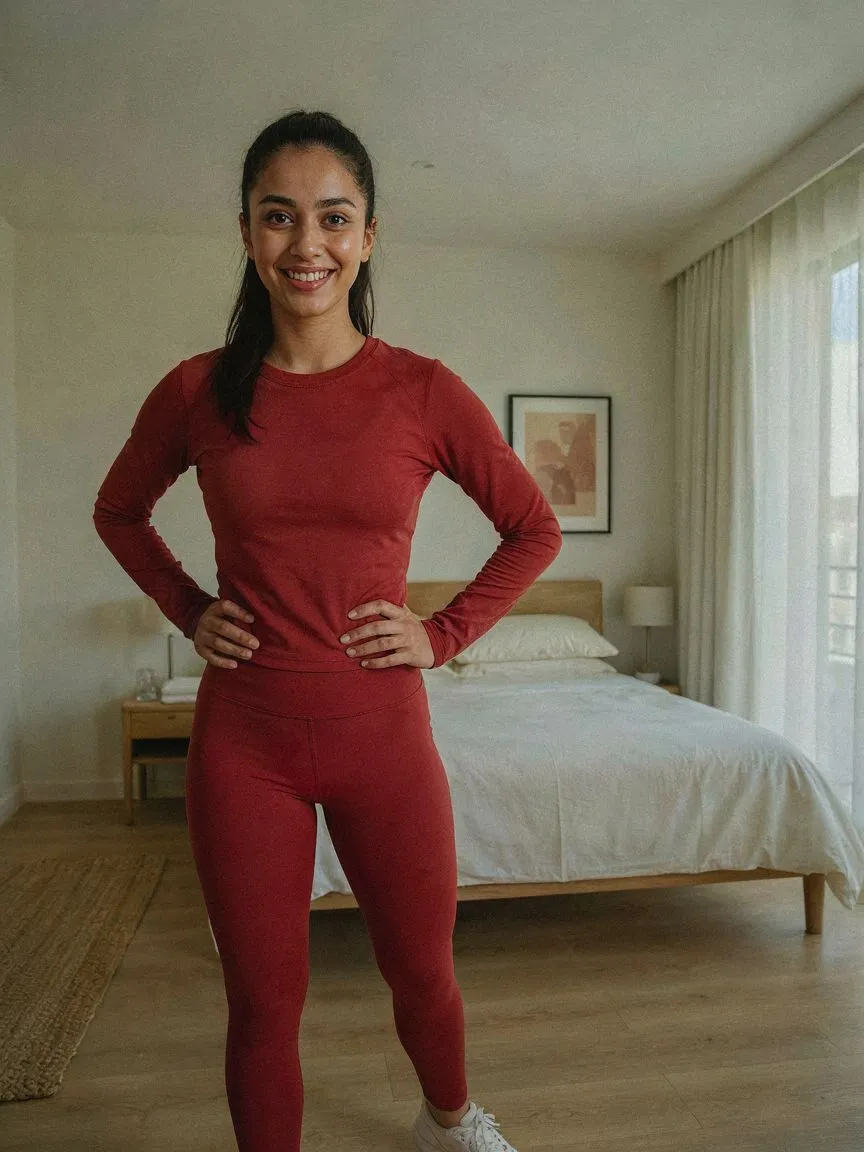
Activewear shoppers ask specific questions: how tight is it, where does the waistband sit, does this silhouette work for my body? AI virtual try-on for activewear on Shopify answers them on the shopper's own body before they buy.

ลองก่อนซื้อ
 01
01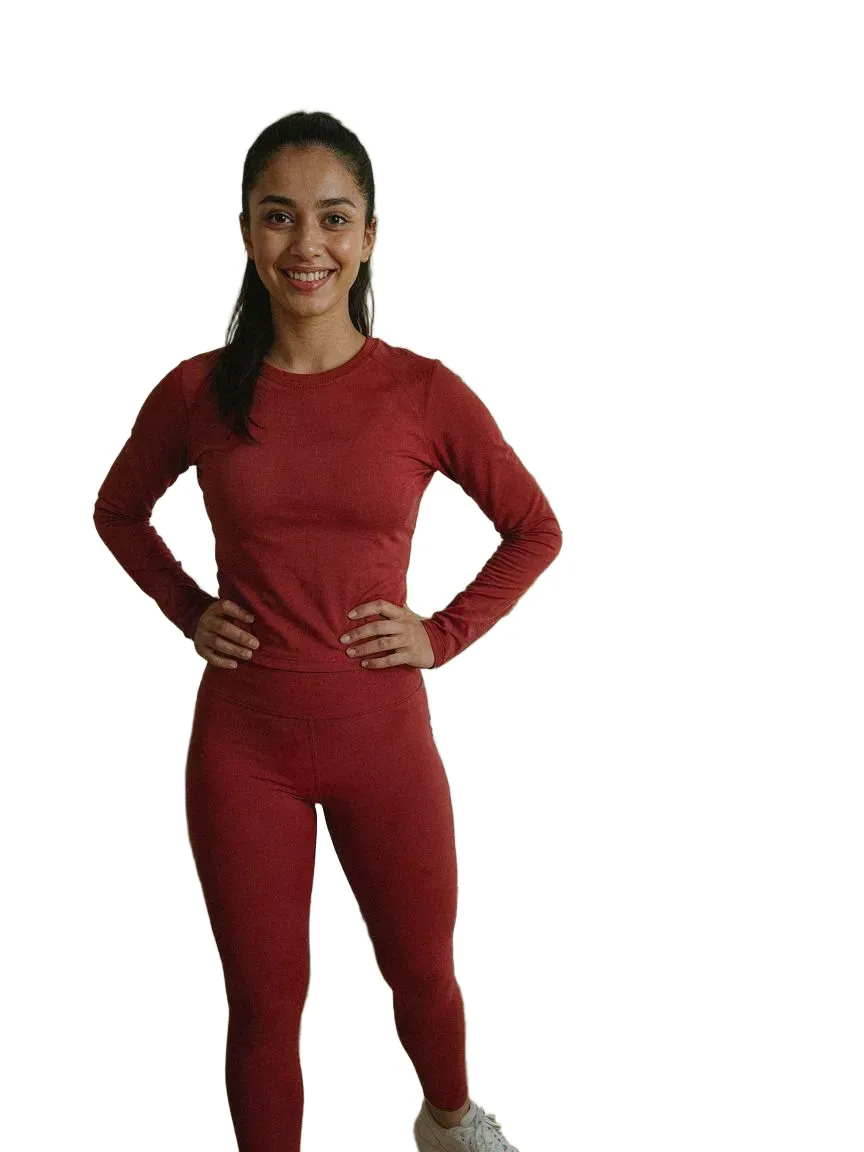 0203
0203ทุกสไตล์activewearที่เรามี
คำถามที่พบบ่อย
Yes. Shoppers upload one photo and SnapIT renders your activewear on their own body from your existing product images.
Yes. You choose which products or collections get the try-on button — enable it for a single line or your whole catalog.
ติดตั้ง SnapIT จาก Shopify App Store เลือกสินค้าหรือคอลเลกชันที่ต้องการเปิดใช้ ปุ่ม See it on you จะปรากฏบนหน้าสินค้านั้นโดยอัตโนมัติ ไม่ต้องแก้โค้ดธีมหรือถ่ายรูปใหม่
รูปเดียว — รูปที่มีอยู่แล้วหรือถ่ายด้วยกล้องมือถือ SnapIT ใช้รูปนั้นร่วมกับรูปสินค้าของคุณเพื่อสร้างภาพตัวอย่าง
ได้ SnapIT ทำงานจากรูปสินค้าแบบแบนที่มีอยู่ในแคตตาล็อก Shopify แล้ว ทุก SKU จึงดูตัวอย่างได้โดยไม่ต้องถ่ายใหม่หรือมีโมเดล 3D
SnapIT เริ่มต้นฟรี — รับเครดิตลอง 2 ครั้งเมื่อติดตั้ง แพ็กเกจจ่ายเริ่มที่ $10/เดือน รวม 112 ครั้ง แพ็กเกจปริมาณมากรวมสูงสุด 8,317 ครั้ง