
AI Virtual Try-On for Activewear on Shopify
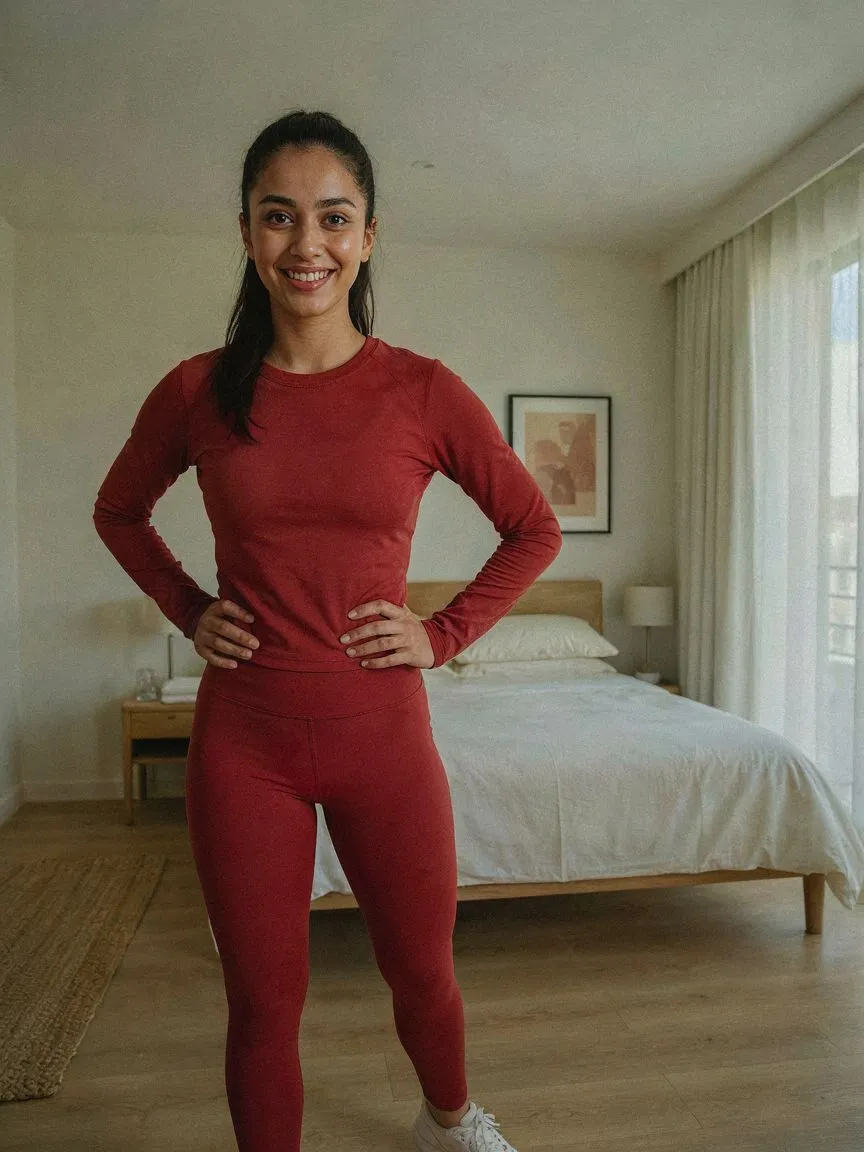
Activewear shoppers ask specific questions: how tight is it, where does the waistband sit, does this silhouette work for my body? AI virtual try-on for activewear on Shopify answers them on the shopper's own body before they buy.

נסו לפני שאתם קונים
 01
01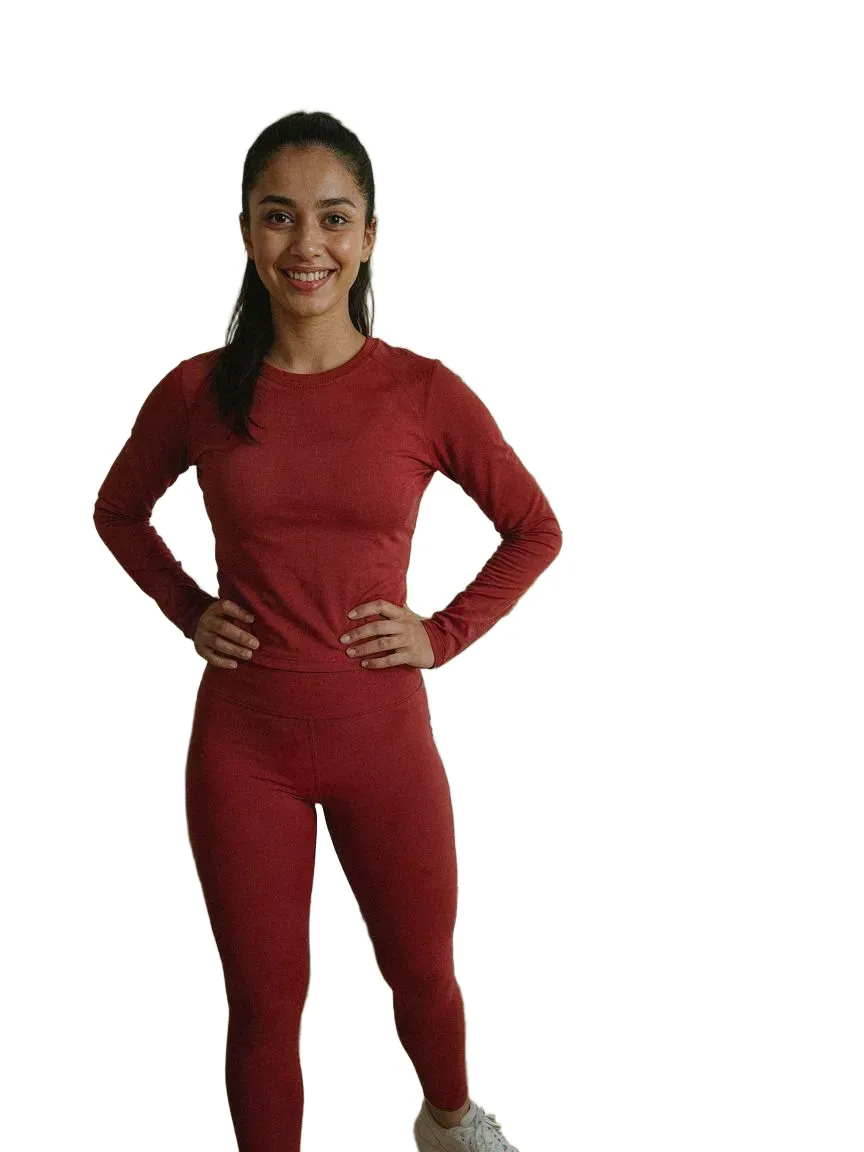 0203
0203כל סגנונות activewear שאנו מכסים
שאלות נפוצות
Yes. Shoppers upload one photo and SnapIT renders your activewear on their own body from your existing product images.
Yes. You choose which products or collections get the try-on button — enable it for a single line or your whole catalog.
התקינו את SnapIT מ-Shopify App Store, בחרו אילו מוצרים או קולקציות להפעיל, וכפתור See it on you יופיע אוטומטית בעמודי המוצר האלה. בלי קוד תבנית ובלי צילומים.
תמונה אחת — תמונה קיימת או צילום ממצלמת המכשיר. SnapIT משלב אותה עם תמונת המוצר שלכם כדי ליצור את התצוגה.
כן. SnapIT עובד מתמונות המוצר המישוריות שכבר בקטלוג ה-Shopify שלכם, ולכן כל SKU יכול להיות בתצוגה ללא צילום חדש או נכסי תלת-ממד.
SnapIT חינם להתחלה — מקבלים 2 קרדיטי מדידה בהתקנה. תוכניות בתשלום מתחילות ב-$10/חודש עבור 112 מדידות, עם תוכניות נפח עד 8,317 מדידות כלולות.