
AI Virtual Try-On for Baggy Jeans on Shopify
Baggy jeans are bought for an oversized, streetwear silhouette — and getting the proportions right is everything. AI virtual try-on for baggy jeans on Shopify shows the loose fit on the shopper's own body before they commit.


구매 전에 직접 확인
 01
01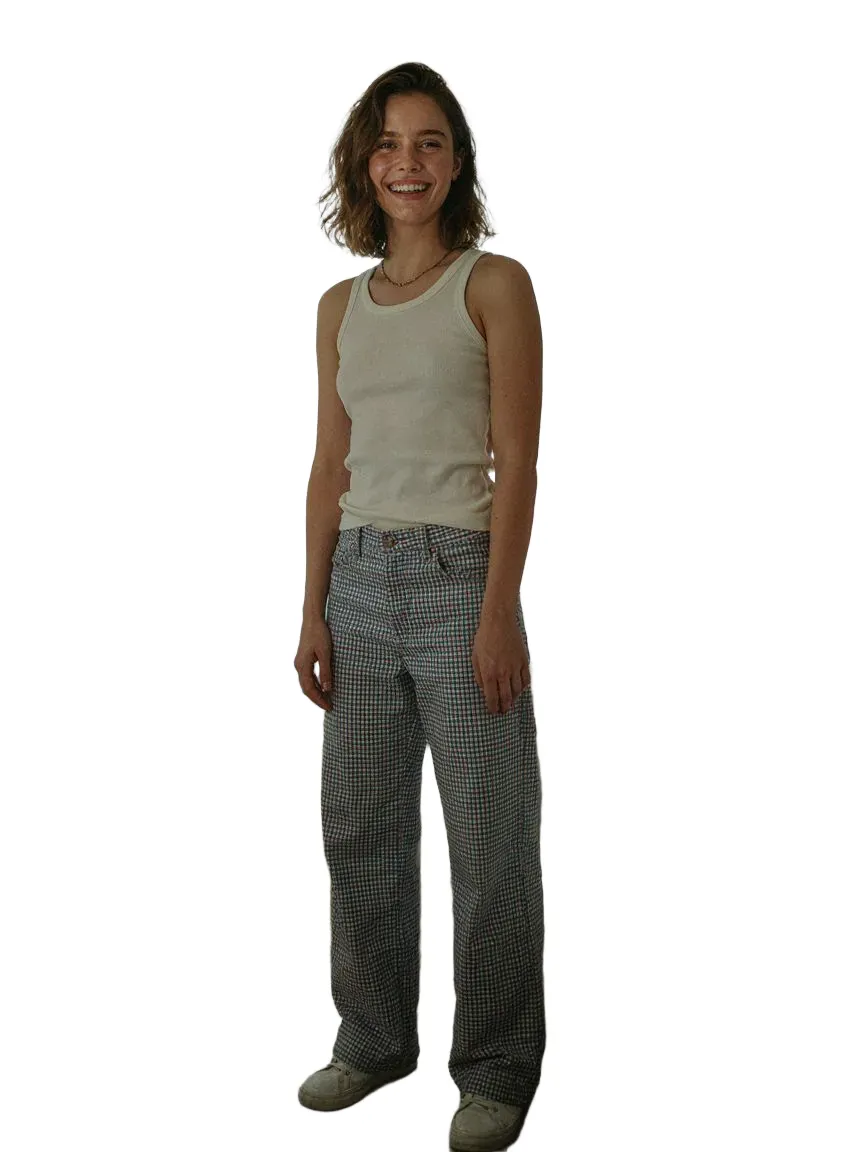 0203
0203다루는 모든 jeans 스타일
자주 묻는 질문
Yes. The jeans are generated on their photo, so the loose fit and leg width are visible on their own body.
Yes. The exaggerated cut is preserved from your product image, so the intended look reads accurately.
Shopify App Store에서 SnapIT을 설치하고 활성화할 상품이나 컬렉션을 선택하면 해당 상품 페이지에 See it on you 버튼이 자동으로 나타납니다. 테마 코드도 재촬영도 필요 없습니다.
사진 한 장이면 충분합니다. 가지고 있는 이미지든 기기 카메라로 찍은 사진이든 OK입니다. SnapIT이 상품 이미지와 결합해 미리보기를 생성합니다.
네. SnapIT은 Shopify 카탈로그에 있는 평면 상품 이미지로 작동하므로, 새 촬영이나 3D 에셋 없이도 모든 SKU를 미리 볼 수 있습니다.
SnapIT은 무료로 시작할 수 있습니다. 설치 시 피팅 크레딧 2개가 제공되며, 유료 플랜은 월 $10부터(112회), 대량 플랜은 최대 8,317회가 포함됩니다.