
Use case
AI Virtual Try-On for Denim Shorts on Shopify
Denim shorts are the summer staple — and the rise, inseam and leg opening all decide the look. AI virtual try-on for denim shorts on Shopify shows the classic cut on the shopper's own body before they buy.
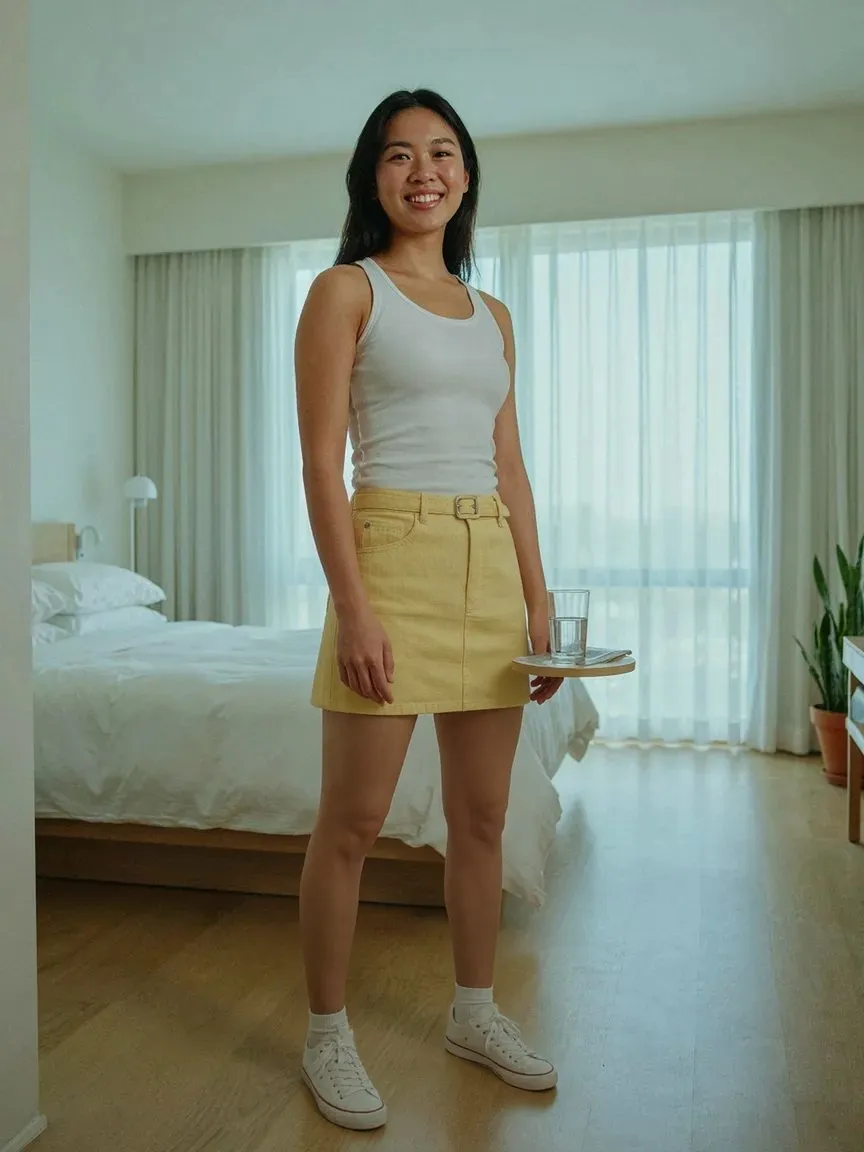
Denim Shorts

同じ人 · 新しい服
+32%conversion after try-on
−24%fewer returns
6.4% vs 2.1%conversion: tried on vs didn't
仕組み
購入前に試着
 01
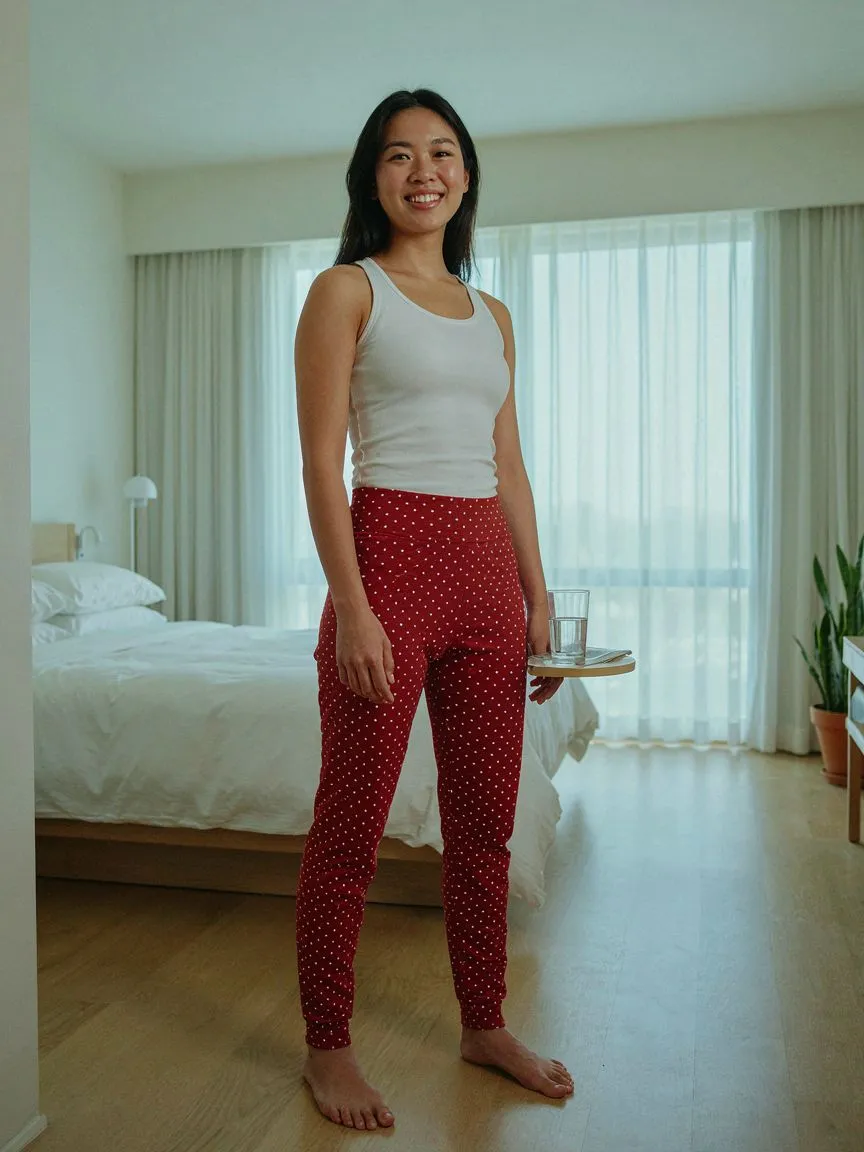
01買い物客の写真本人の顔と体。
 02
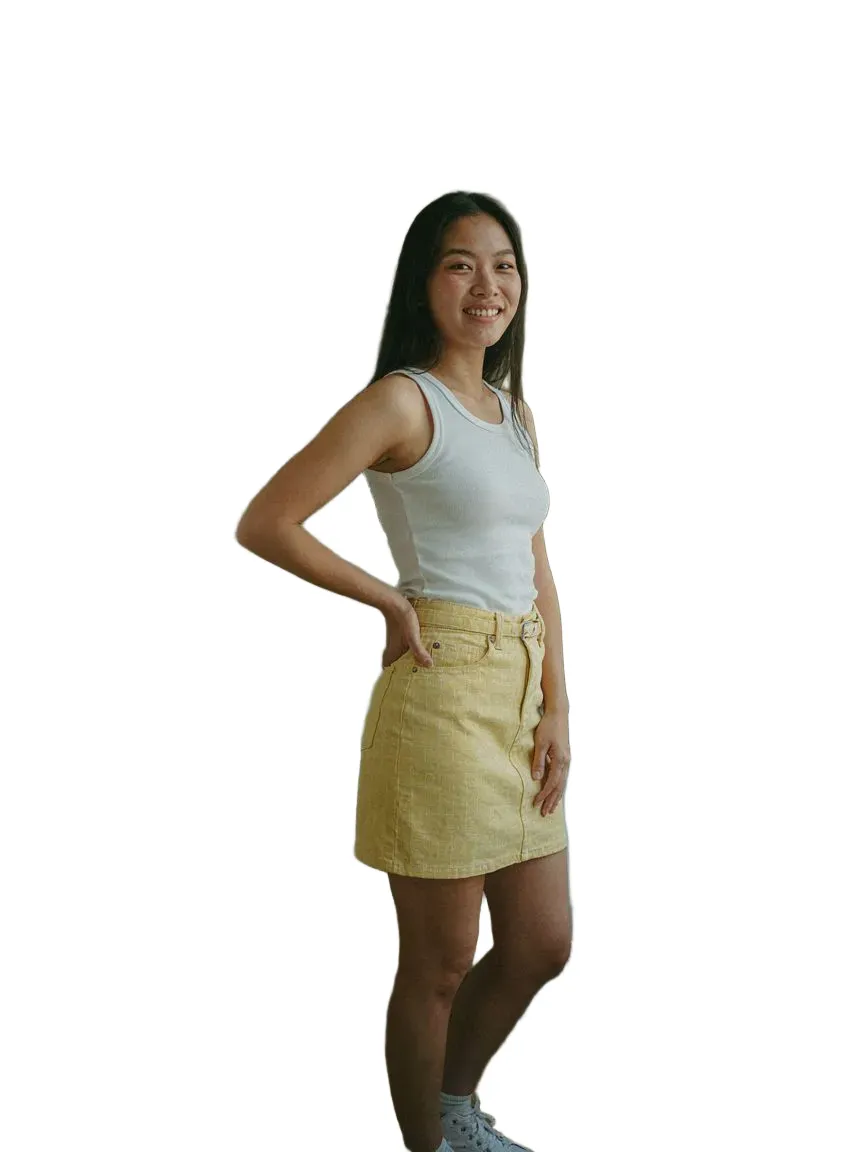
02あなたの商品既存の商品画像を使用。
03AI試着数秒で本人に合ったリアルなプレビューを生成。
人気のスタイル
取り上げているすべてのshortsスタイル
よくある質問
Yes. The shorts are generated on their photo, so the rise and inseam are visible on their own body.
Yes. Wash and fade details come from your product image, so each pair renders as it really looks.
Shopify App StoreからSnapITをインストールし、有効にする商品やコレクションを選ぶと、See it on youボタンが該当の商品ページに自動で表示されます。テーマコードも再撮影も不要です。
写真1枚だけ。手持ちの画像でもデバイスのカメラで撮ったものでもOK。SnapITが商品画像と組み合わせてプレビューを生成します。
はい。SnapITはShopifyカタログにある平面の商品画像から生成するため、新しい撮影も3Dデータもなしで全SKUをプレビューできます。
SnapITは無料で始められます。インストール時に2試着クレジットが付与されます。有料プランは月10ドル(112試着)から、ボリュームプランでは最大8,317試着が含まれます。
さらに見る
Shorts try-onBack to shorts on Shopify.詳しく見る →Shopify virtual try-onTry-on for a fashion storefront, end to end.詳しく見る →How to add virtual try-onFrom install to first try-on, step by step.詳しく見る →Cargo Shorts try-onpocket-laden utility fits for casual looks詳しく見る →Running Shorts try-onperformance cuts for sport and mobility詳しく見る →Jeans try-onThe full-length denim options, covered.詳しく見る →