
AI Virtual Try-On for Tops on Shopify
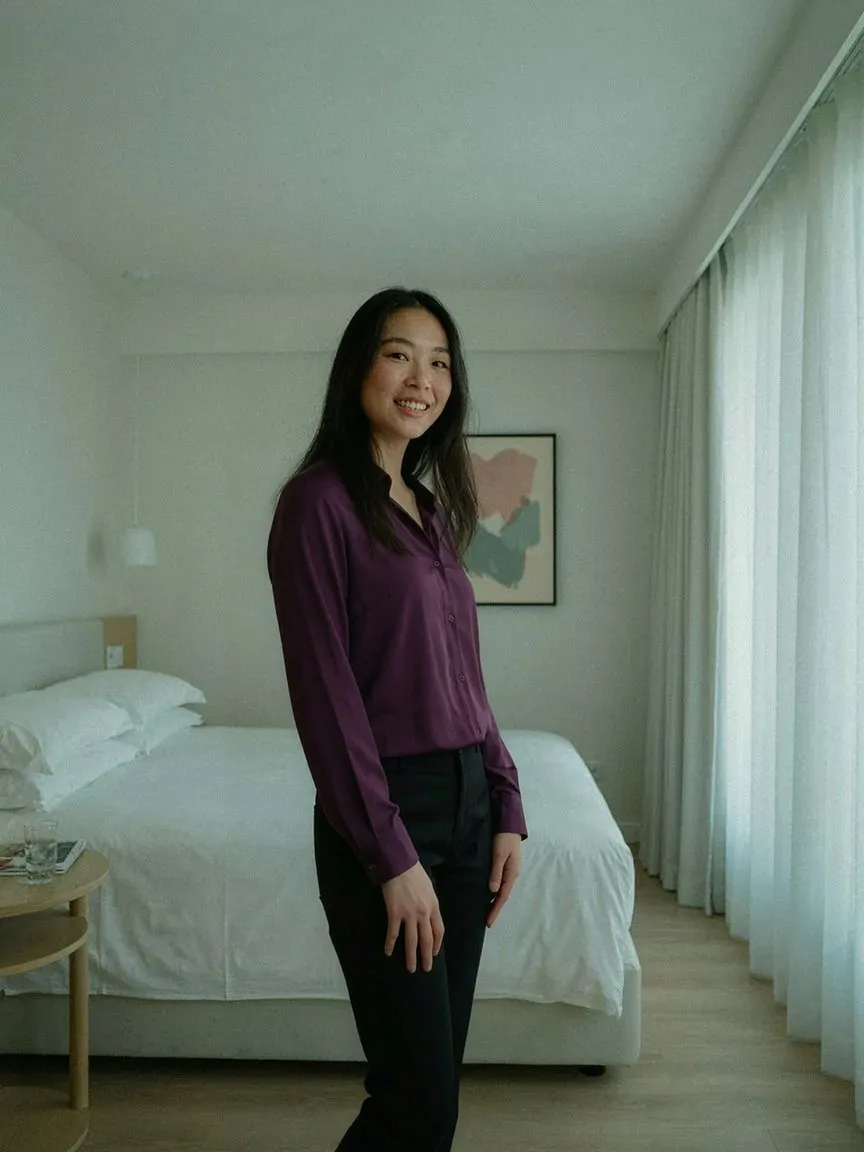
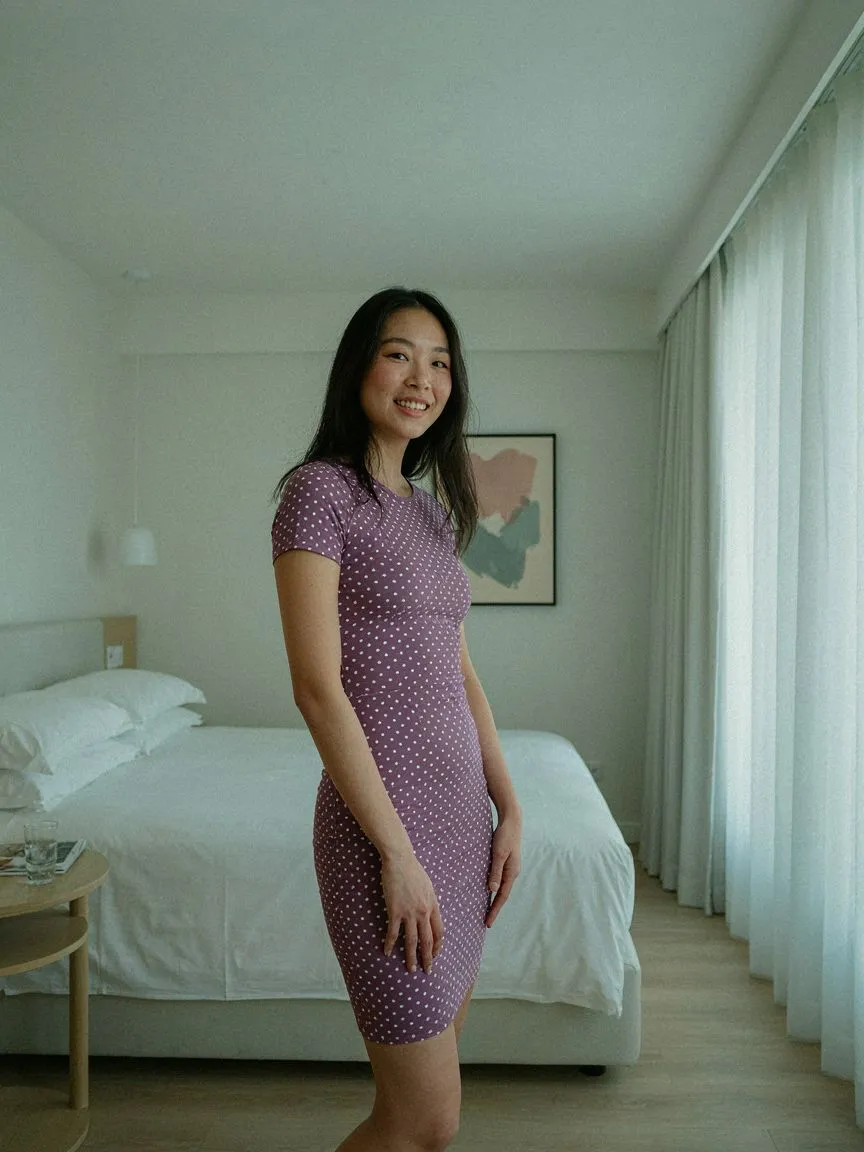
Tops are the fastest-moving category in most catalogs and the easiest to get wrong on fit — neckline, sleeve length and silhouette all read differently on different bodies. AI virtual try-on for tops on Shopify puts each top on the shopper's own photo before they buy.

ลองก่อนซื้อ
 01
01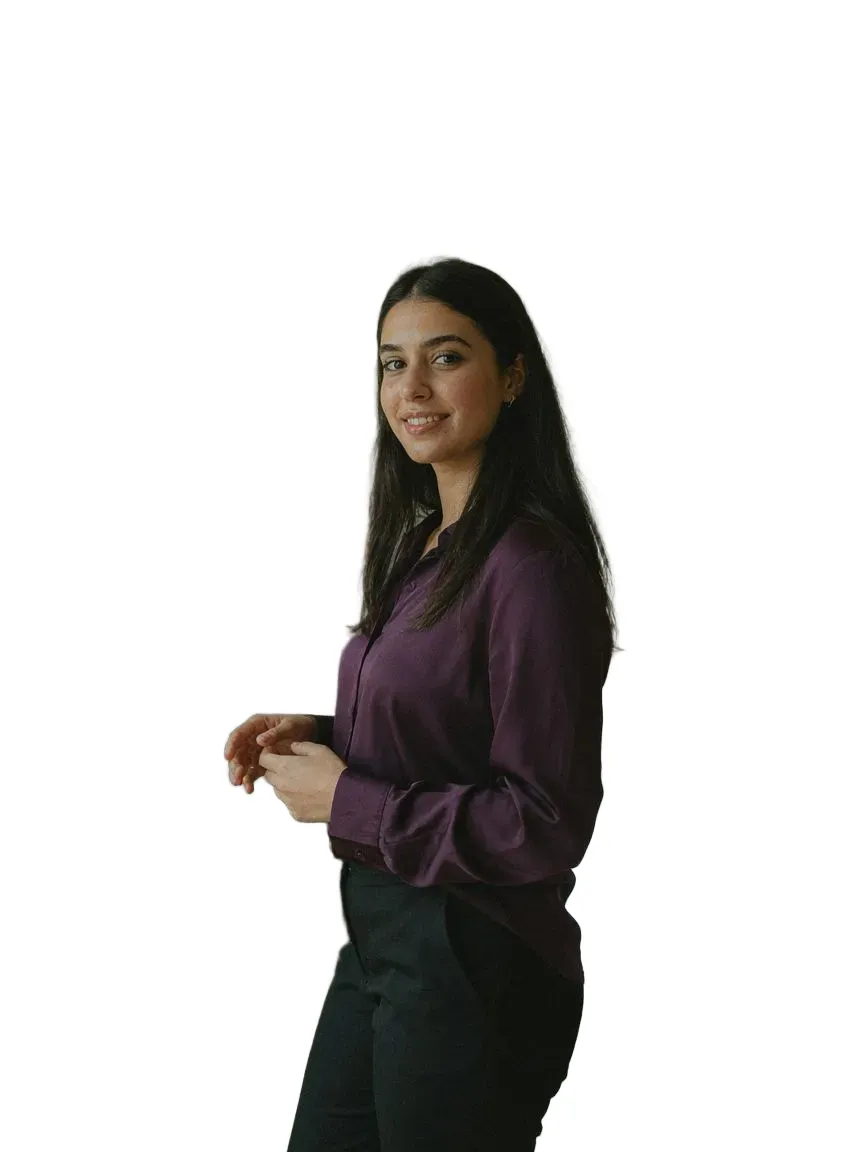 0203
0203ทุกสไตล์topsที่เรามี
คำถามที่พบบ่อย
Yes. Shoppers upload one photo and SnapIT renders each top on their own body from your existing product images.
All of them — crop, tank, halter, tube and peplum. Clear product images on a plain background give the best previews.
ติดตั้ง SnapIT จาก Shopify App Store เลือกสินค้าหรือคอลเลกชันที่ต้องการเปิดใช้ ปุ่ม See it on you จะปรากฏบนหน้าสินค้านั้นโดยอัตโนมัติ ไม่ต้องแก้โค้ดธีมหรือถ่ายรูปใหม่
รูปเดียว — รูปที่มีอยู่แล้วหรือถ่ายด้วยกล้องมือถือ SnapIT ใช้รูปนั้นร่วมกับรูปสินค้าของคุณเพื่อสร้างภาพตัวอย่าง
ได้ SnapIT ทำงานจากรูปสินค้าแบบแบนที่มีอยู่ในแคตตาล็อก Shopify แล้ว ทุก SKU จึงดูตัวอย่างได้โดยไม่ต้องถ่ายใหม่หรือมีโมเดล 3D
SnapIT เริ่มต้นฟรี — รับเครดิตลอง 2 ครั้งเมื่อติดตั้ง แพ็กเกจจ่ายเริ่มที่ $10/เดือน รวม 112 ครั้ง แพ็กเกจปริมาณมากรวมสูงสุด 8,317 ครั้ง