
No-code AI virtual try-on for your Shopify website
12 September 2026 · 9 min read
"No-code" is not a marketing word on Shopify — it is a specific promise: you can add a shopper-facing feature without editing your theme's Liquid, without a developer, and without re-shooting your catalog. For AI virtual try-on, that promise is real.

Watch the no-code install end to end — enable the try-on embed, pick your products and see it live on a Shopify product page.
Source: State of Virtual Try-On: Q2 2026 — Genlook · Add-to-cart comparison
Shopify apps come in two shapes. One asks you to paste a snippet into your theme files, which means a code edit, a risk of breaking your storefront, and often a developer. The other ships an app embed — a toggle inside the theme editor that adds the widget for you.
SnapIT is the second kind. There is no Liquid to touch and no theme file to back up. You enable the embed, choose which products or collections show the try-on button, and the widget renders on your product pages. Your theme stays exactly as your designer left it.
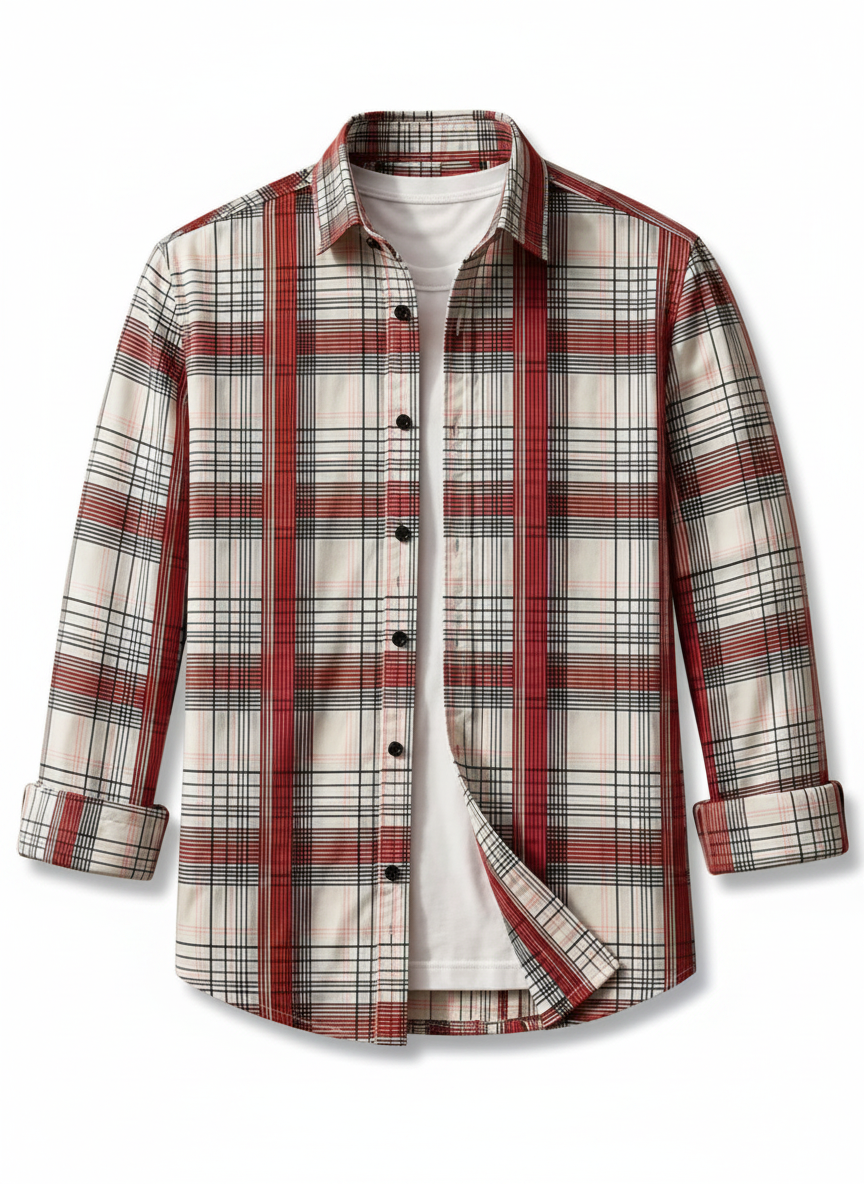
It also avoids the usual hidden dependency of AR try-on: no 3D models. Generative try-on works from the flat product photos already in your Shopify catalog, so nothing needs to be digitized per SKU before you launch.
Placement, scope and branding are all handled in the app's settings panel, not in your theme. You can limit try-on to a single collection while you validate, then expand to the full catalog once the pattern holds.
The widget inherits your store's language, and the fitting room carries your logo, not ours. Shoppers never leave your product page and never see a third-party brand.
With an app-embed app like SnapIT, yes — you enable a toggle in the theme editor and select products in the app. You never edit your theme's Liquid, and no developer is required.
No. Generative try-on works from the flat product photos already in your Shopify catalog. That is what makes a same-day launch possible, unlike AR try-on which needs digitized 3D assets per SKU.
About as long as installing any Shopify app. Most merchants enable the embed, pick a collection and see the try-on button on a live product page within a few minutes.
Tambahkan pasang virtual AI ke toko Shopify Anda
Install in minutes, pick your products, and see try-on live on your product pages. Free plan included.
Source
Genlook, State of Virtual Try-On: Q2 2026. First-party data from 577 Shopify stores, April 16 to June 30, 2026. https://genlook.app/reports/state-of-virtual-try-on-q2-2026